Free Virtual Backgrounds for Zoom and Teams: 30 AI-Generated Rooms

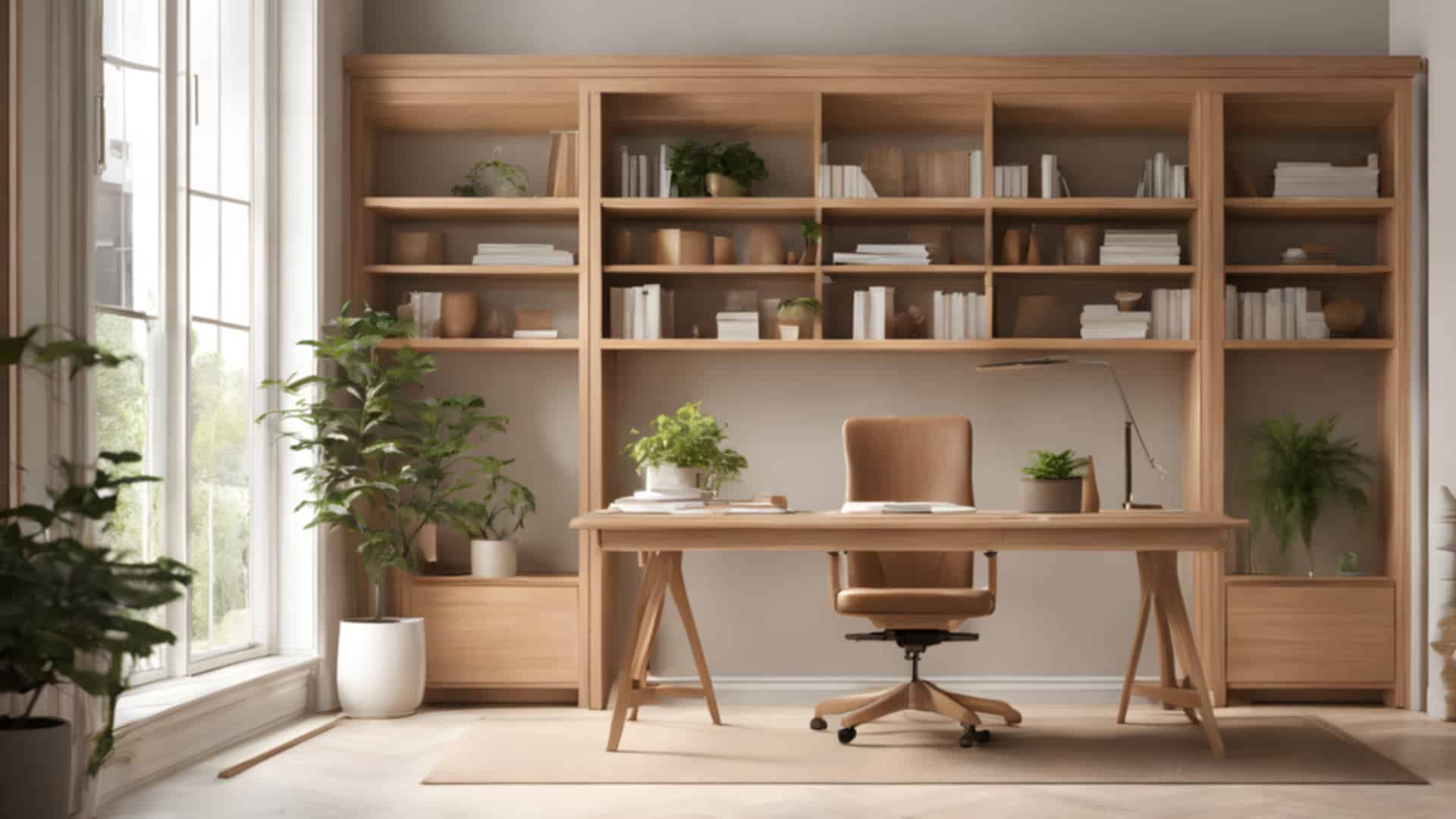
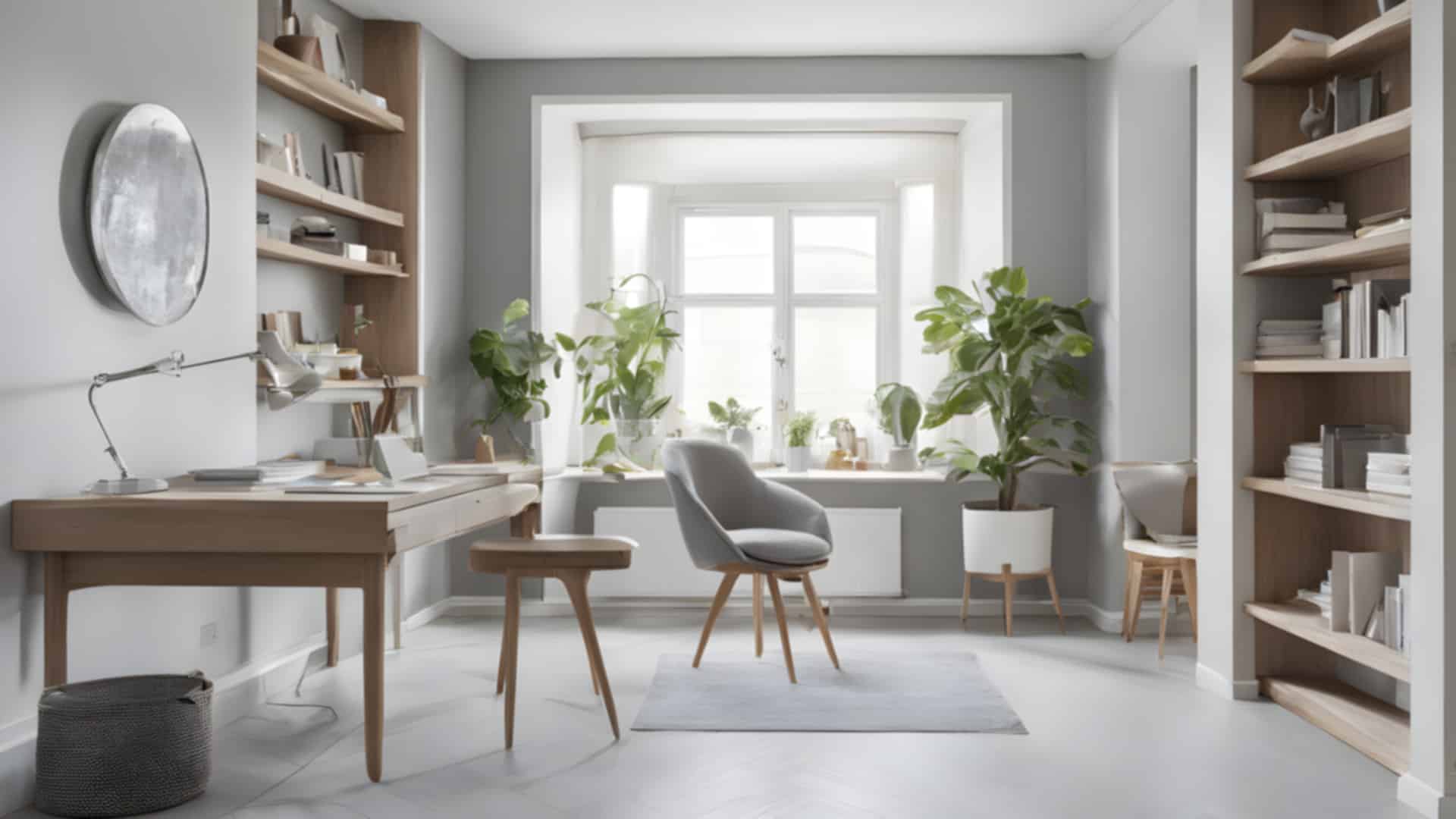
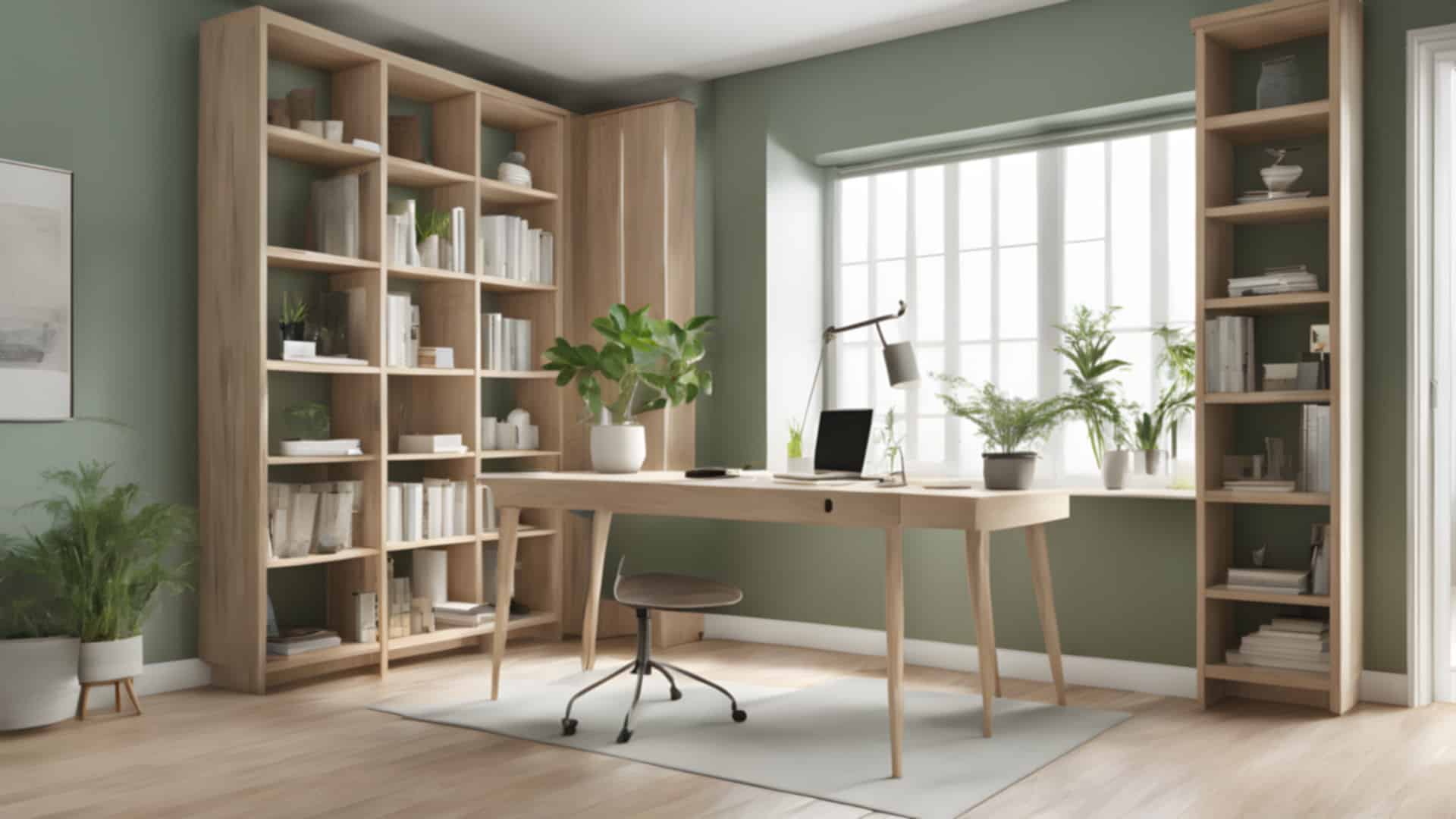
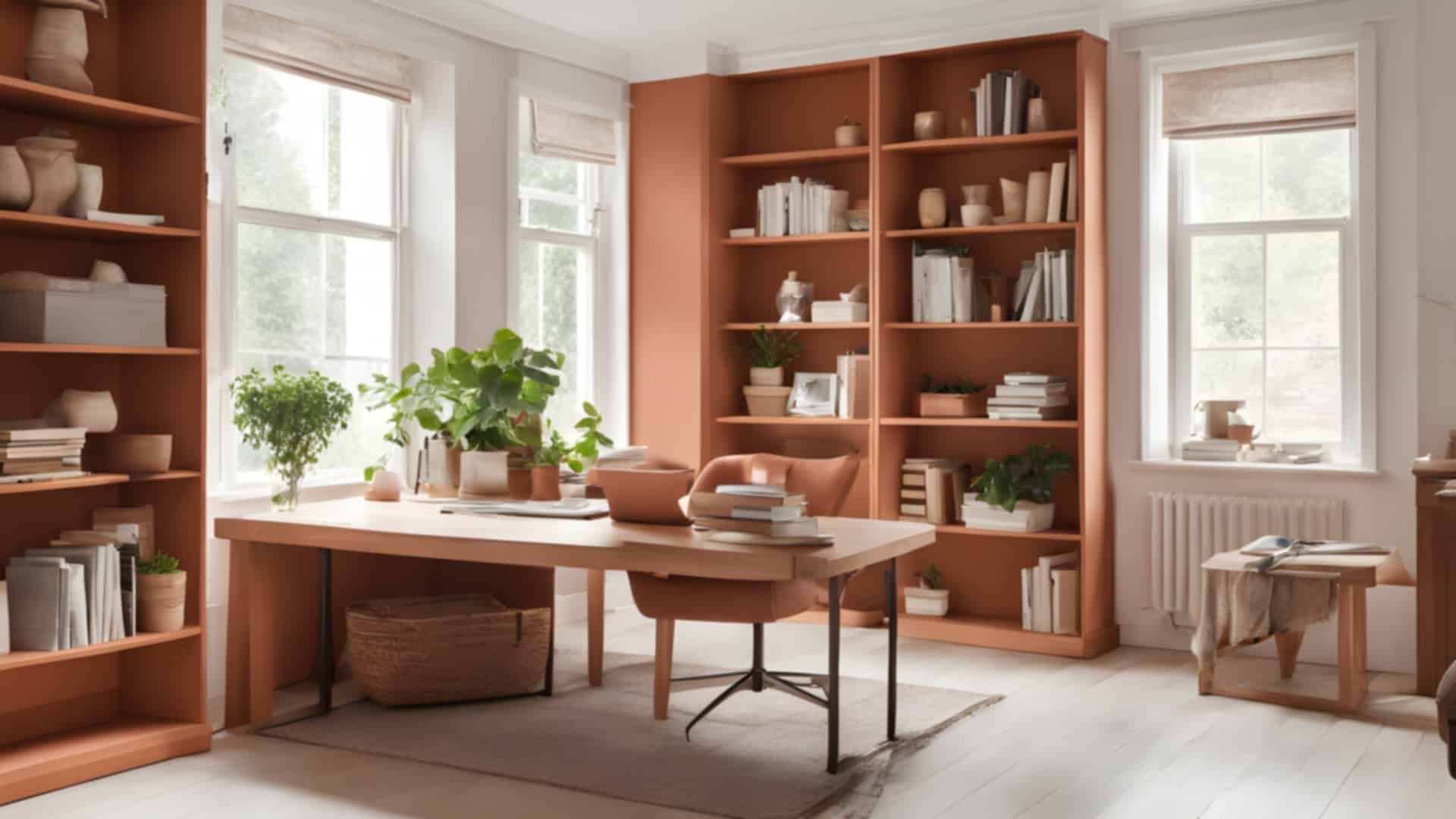
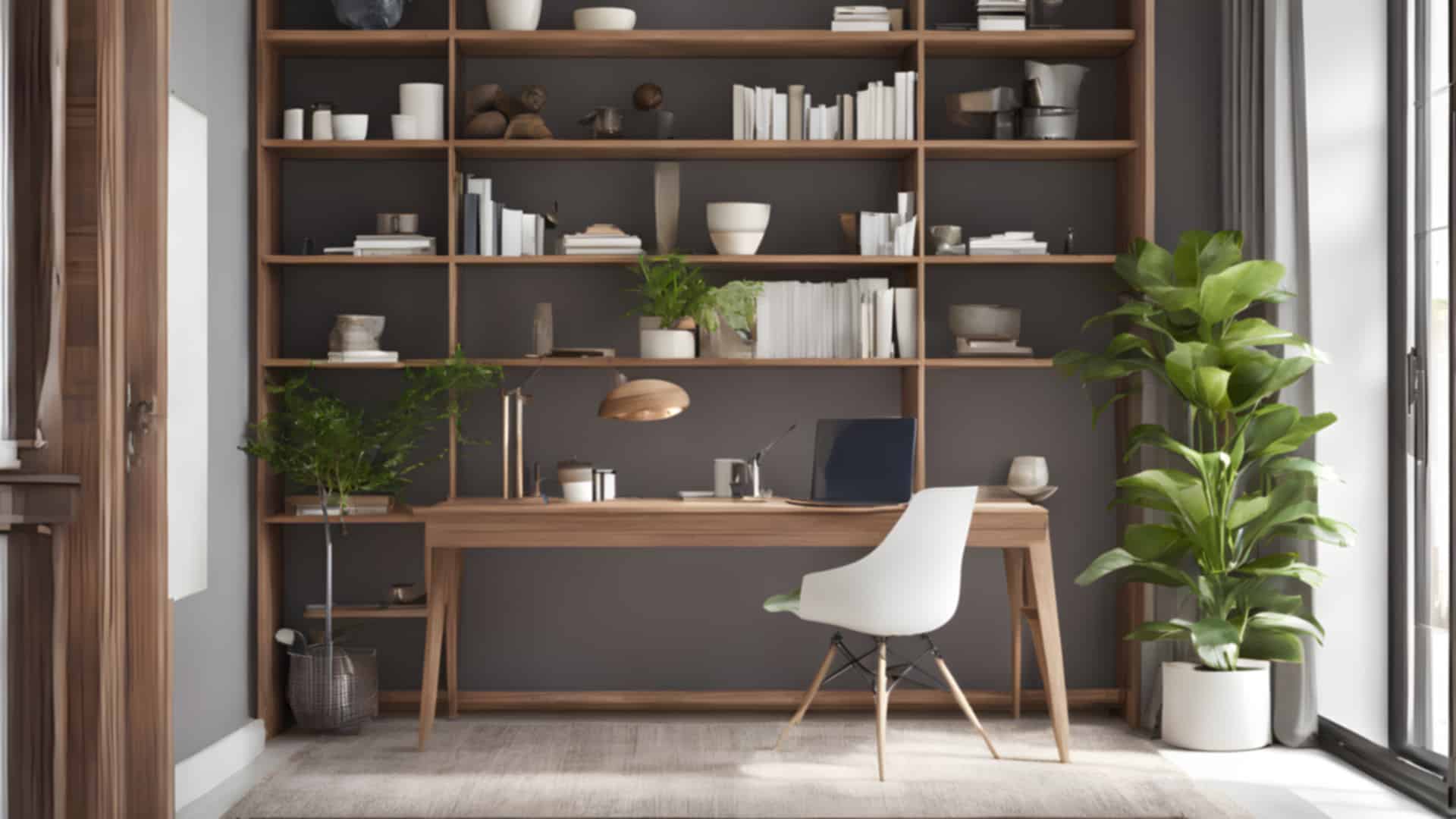
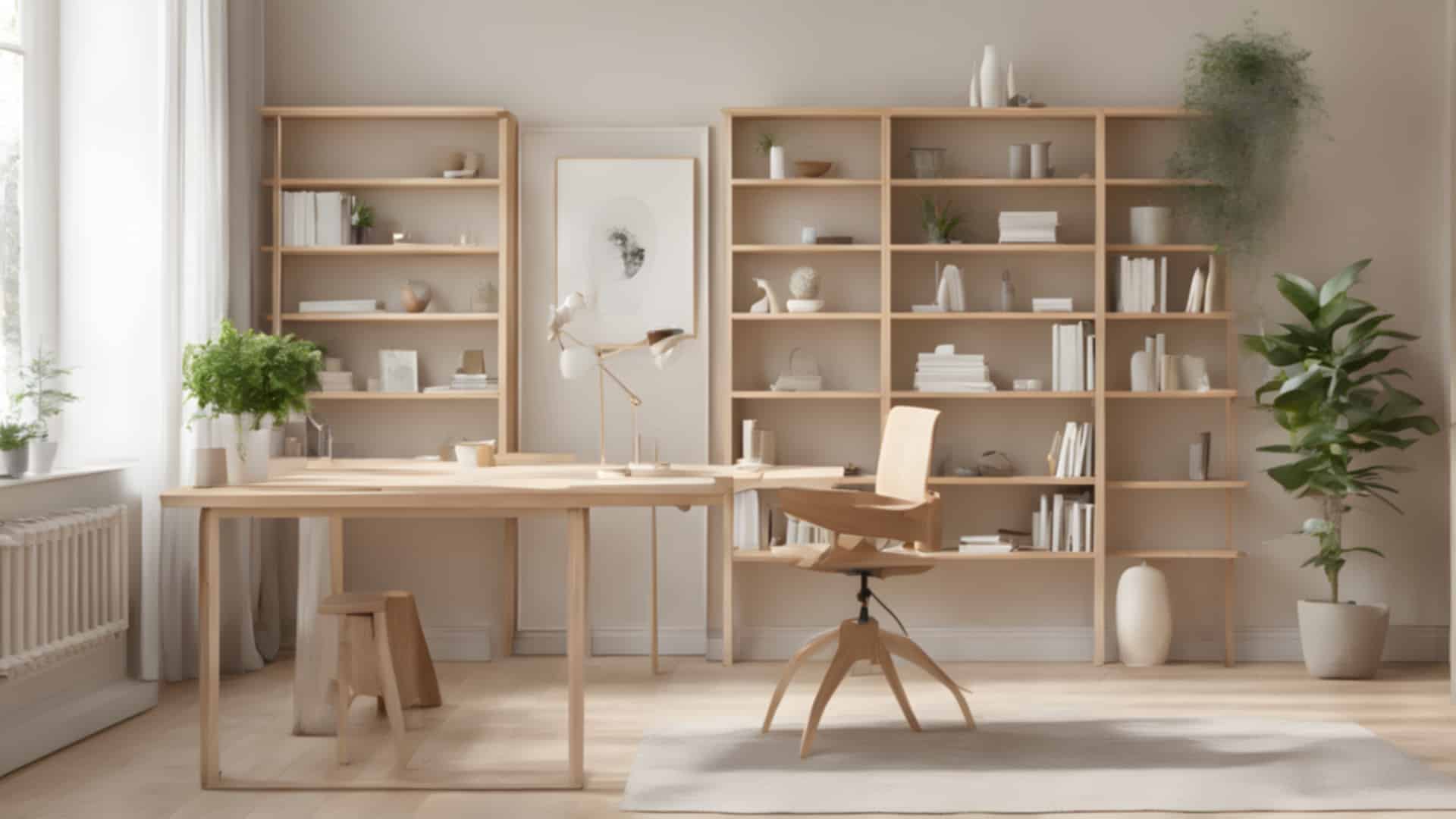
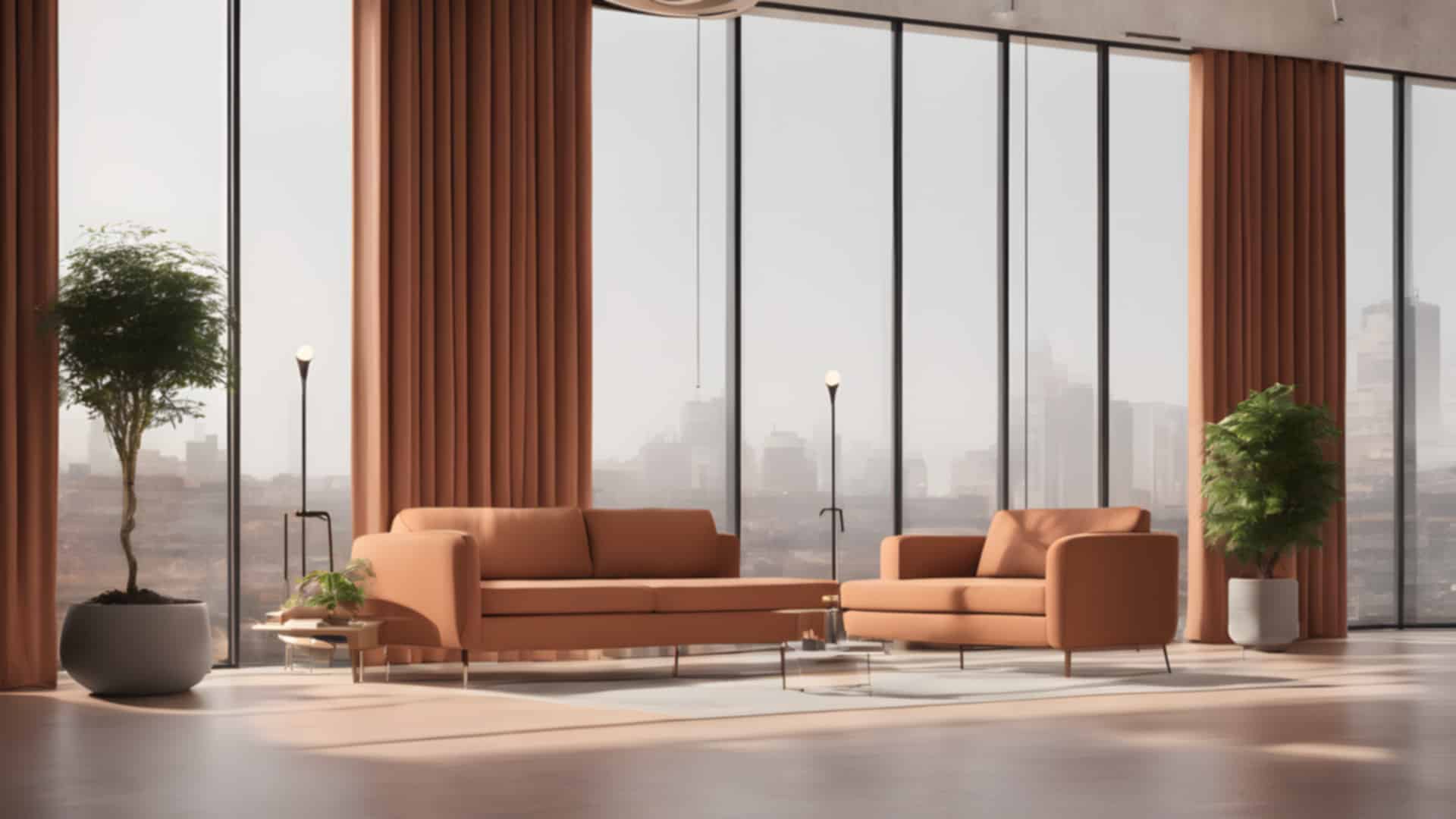
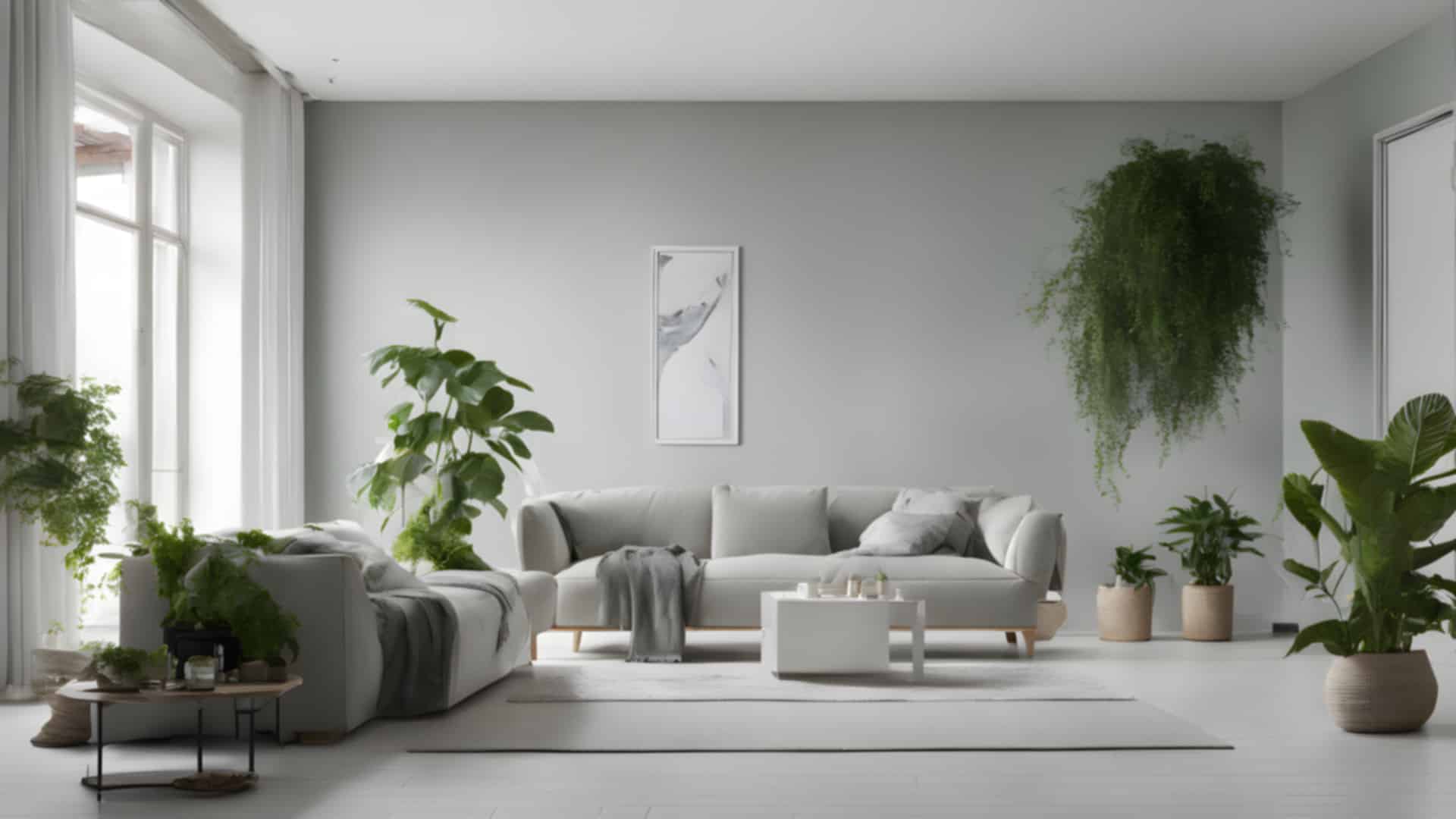
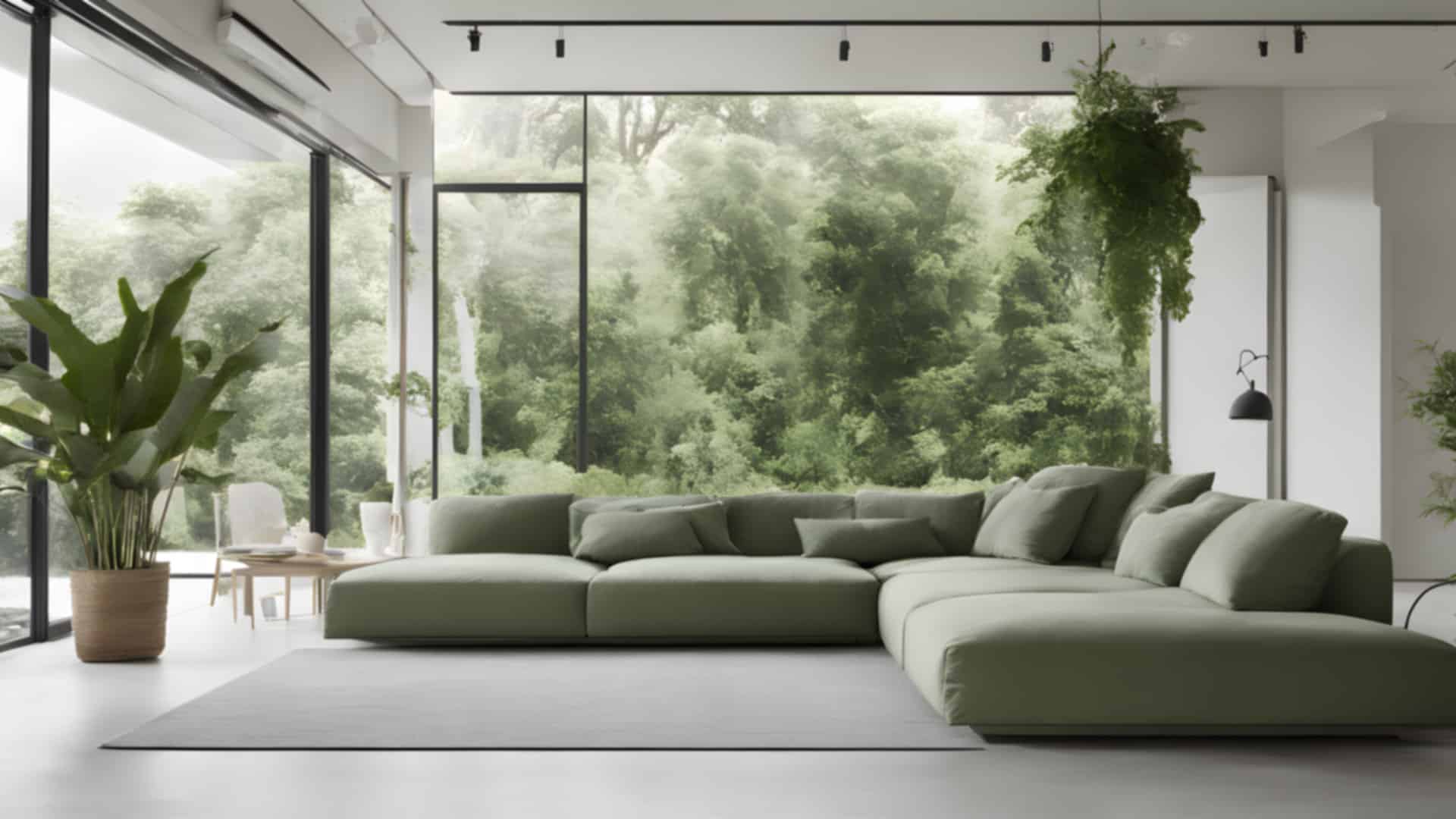
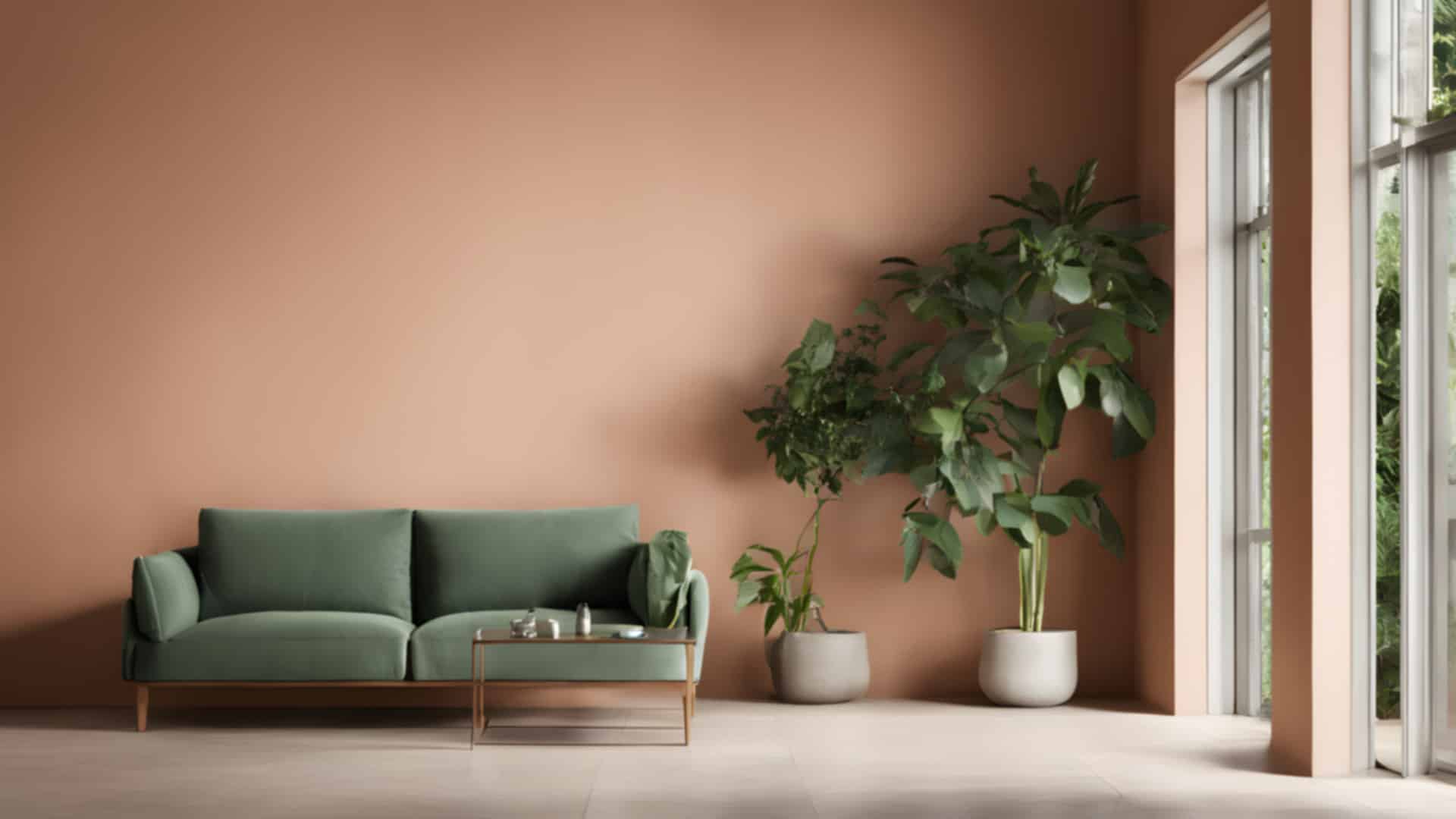
30 free virtual backgrounds for Zoom, Microsoft Teams and Google Meet, made with AI for BigFoto: bright home offices with bookshelves, quiet libraries, living rooms with plants, café corners, brick lofts and calm rooms with a window onto hills, sea or mountains. The rooms are empty and seen at eye level, with a fairly plain middle, so you sit in front of them naturally.
How to use one: click an image to see it large, then use Download. The files are 1920 × 1080 pixels, the size Zoom, Teams and Meet expect. In your video app, open the background or effects settings, add an image and choose the downloaded file.
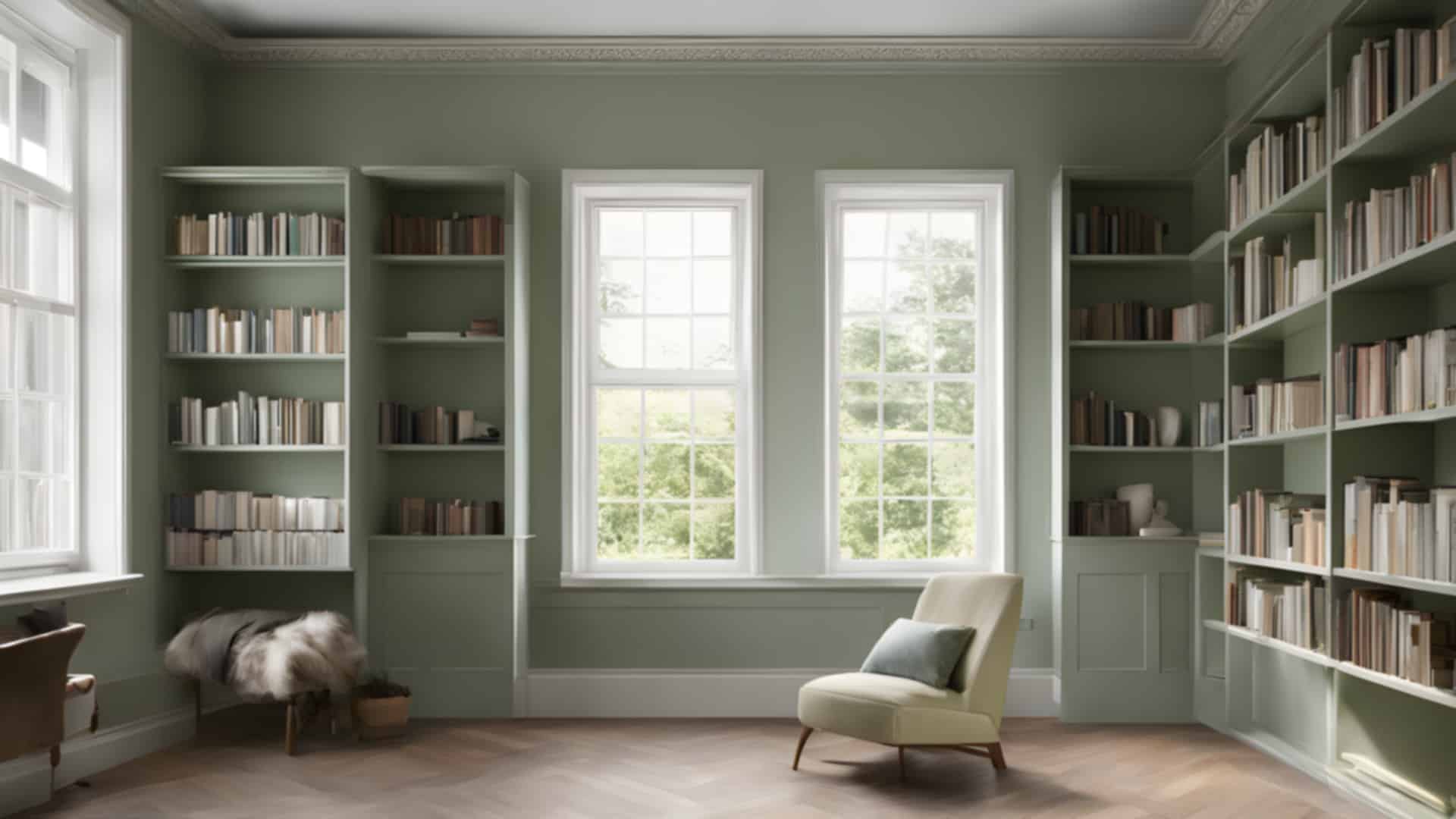
Home offices
Desks and bookshelves in bright rooms with plants.
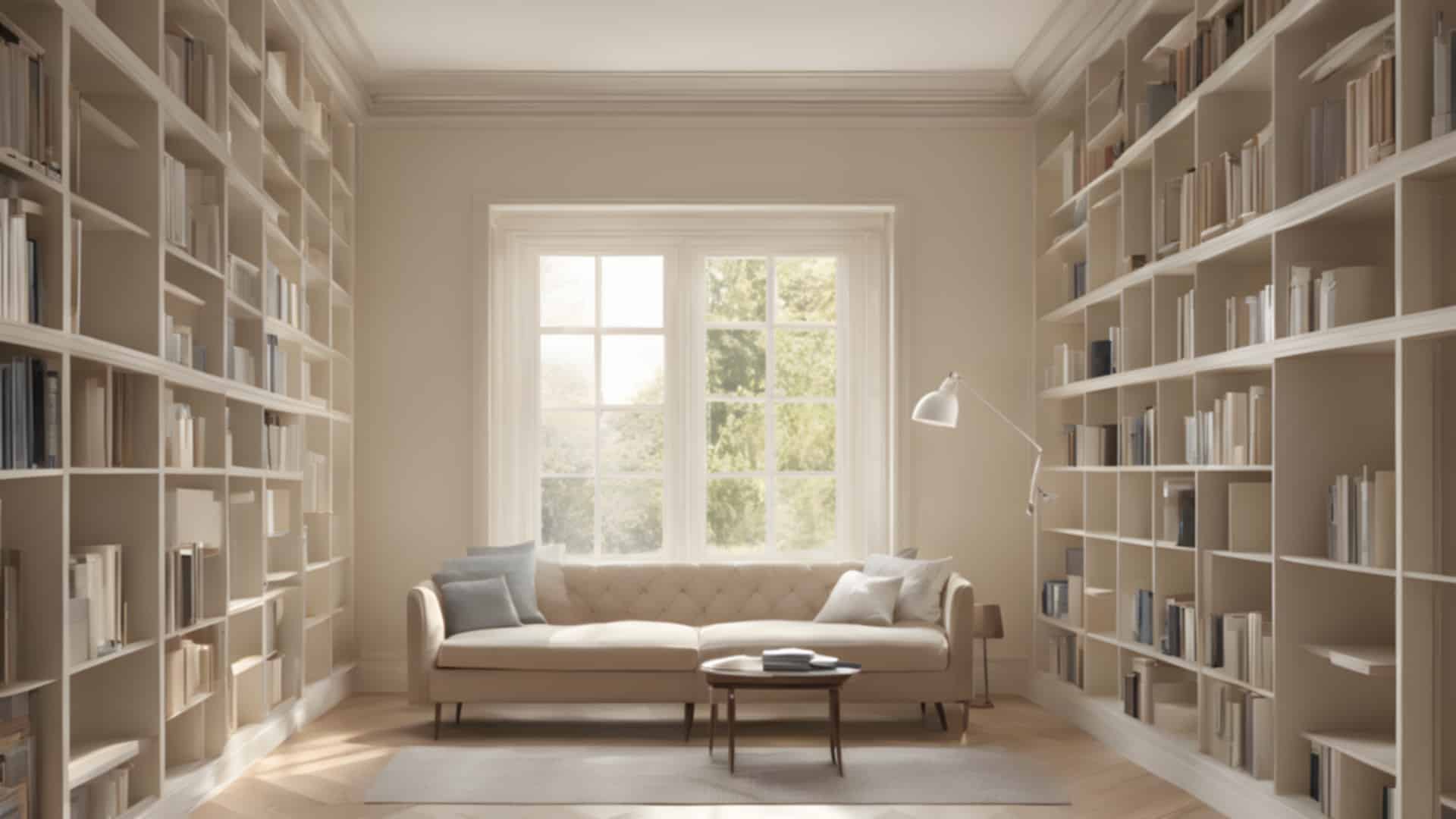
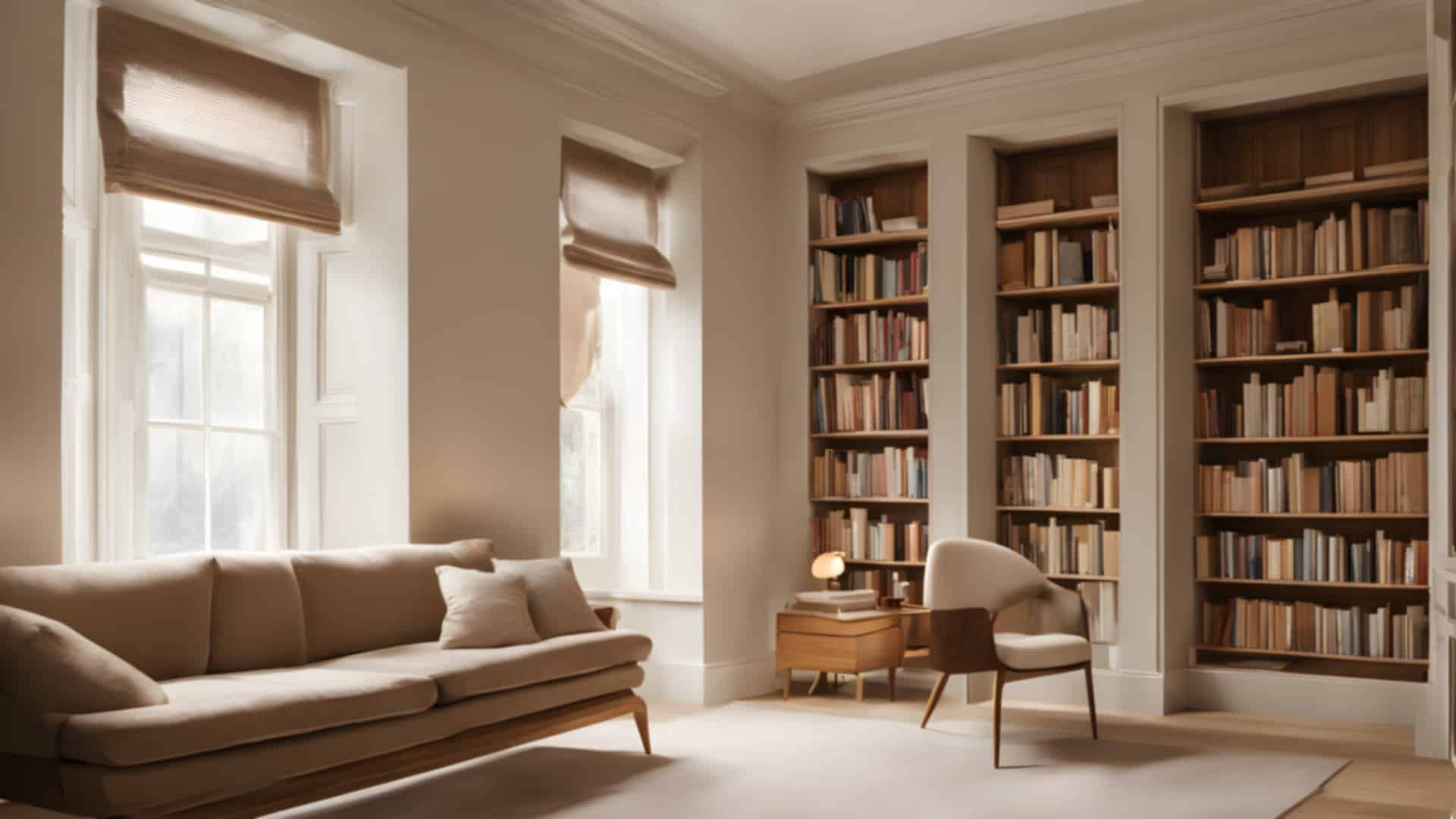
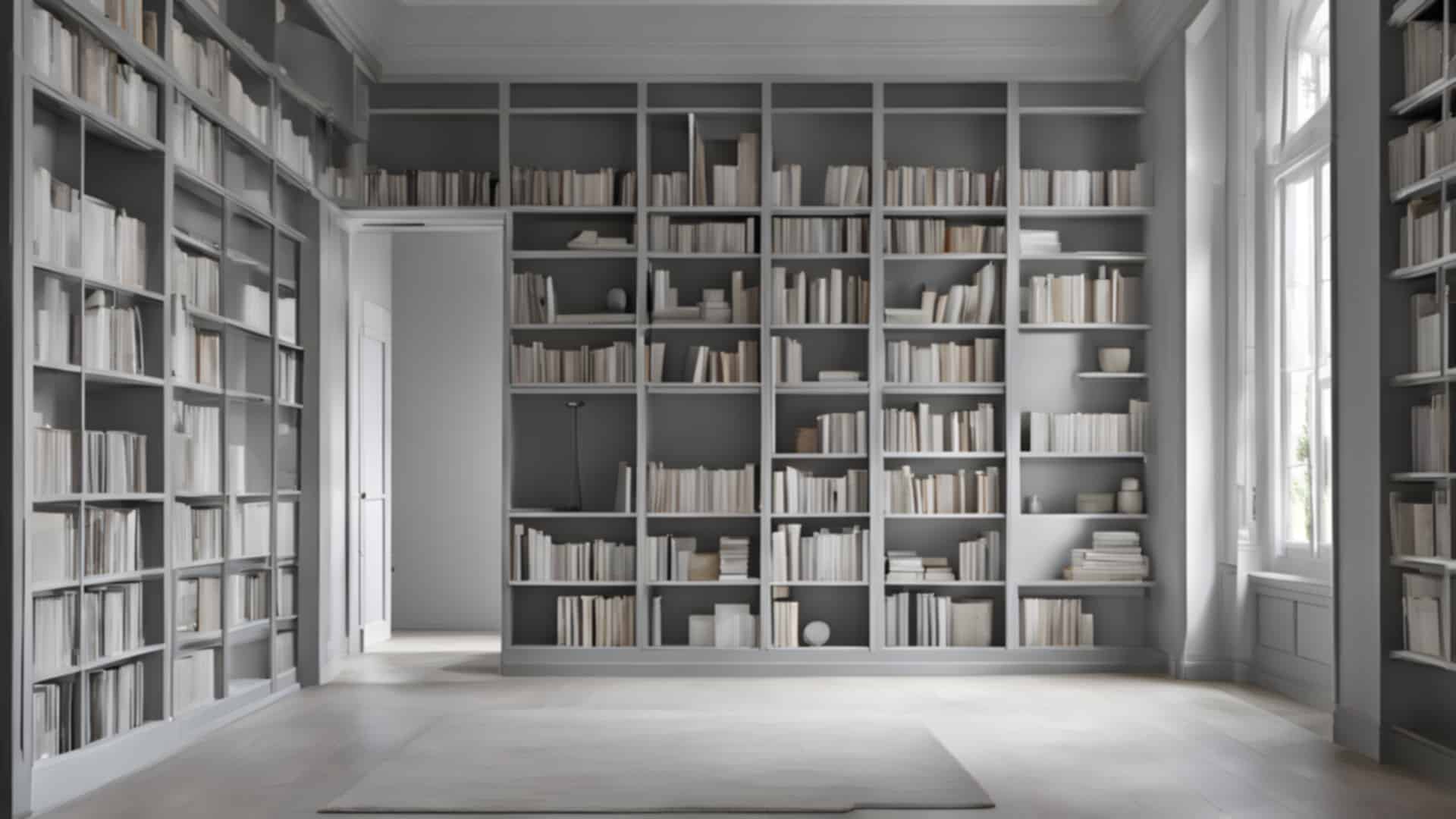
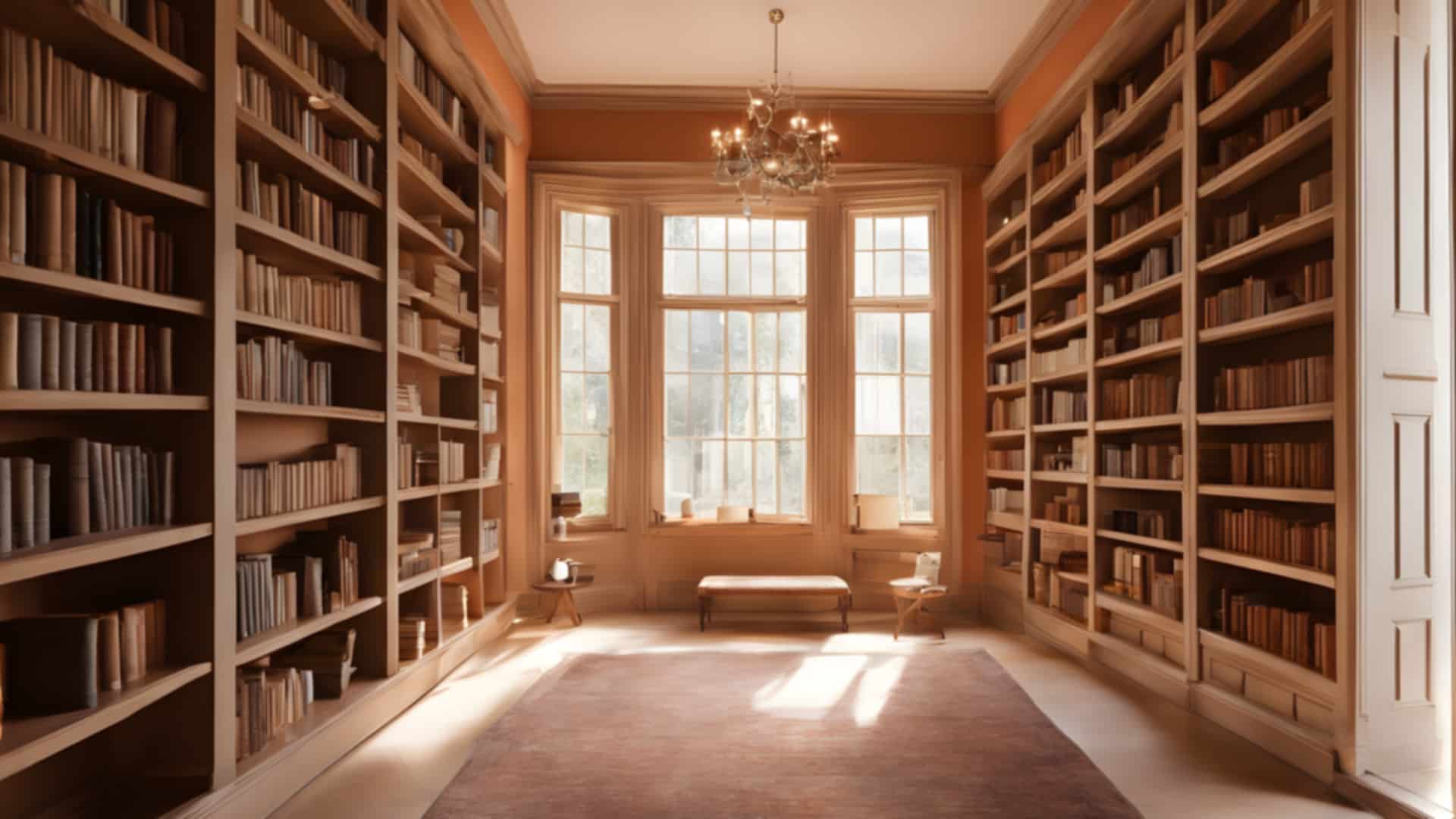
Libraries
Rooms lined with shelves of plain books.
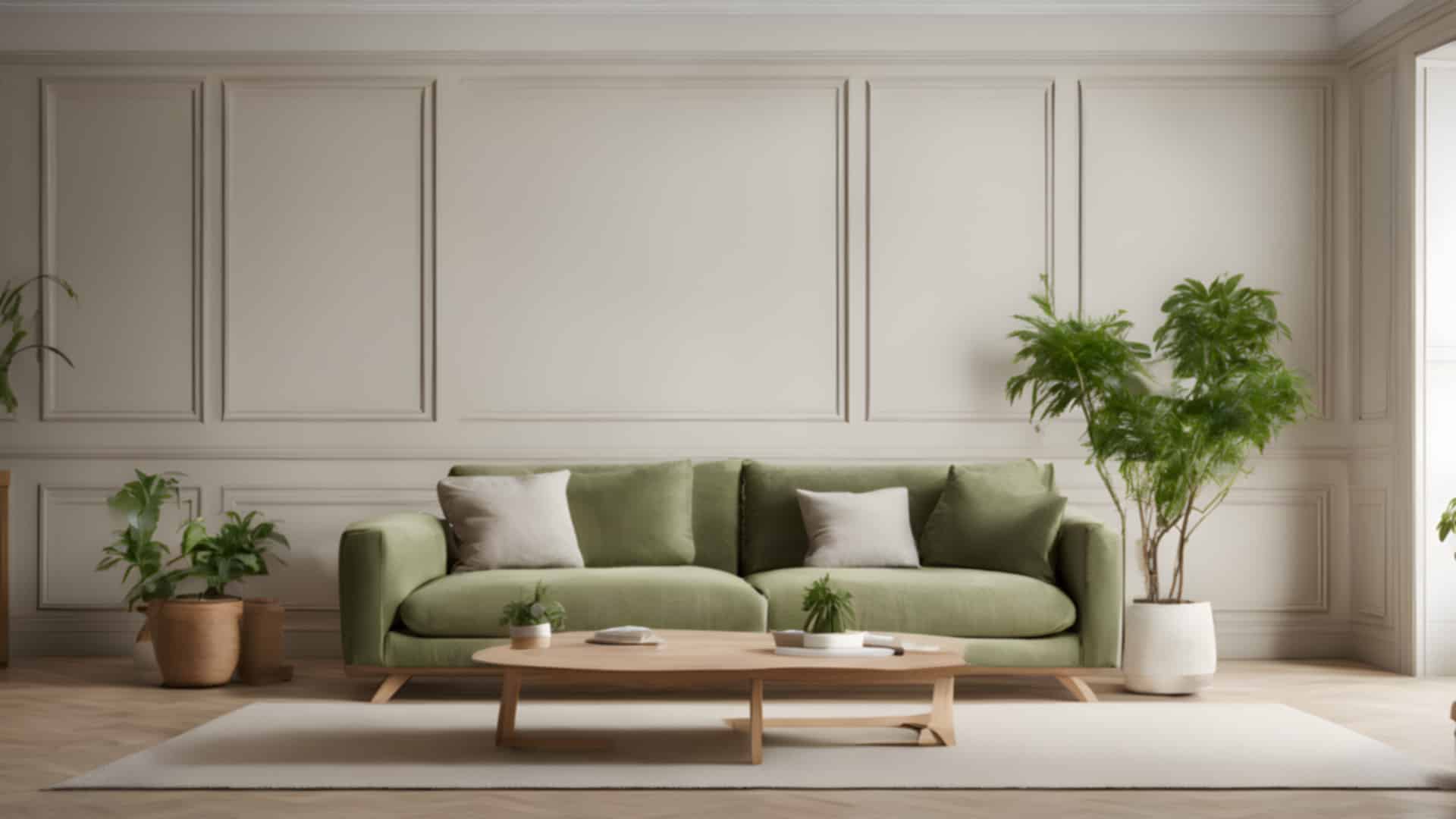
Living rooms
Sofas, plants and soft daylight.


Café corners
Wooden tables under pendant lamps.
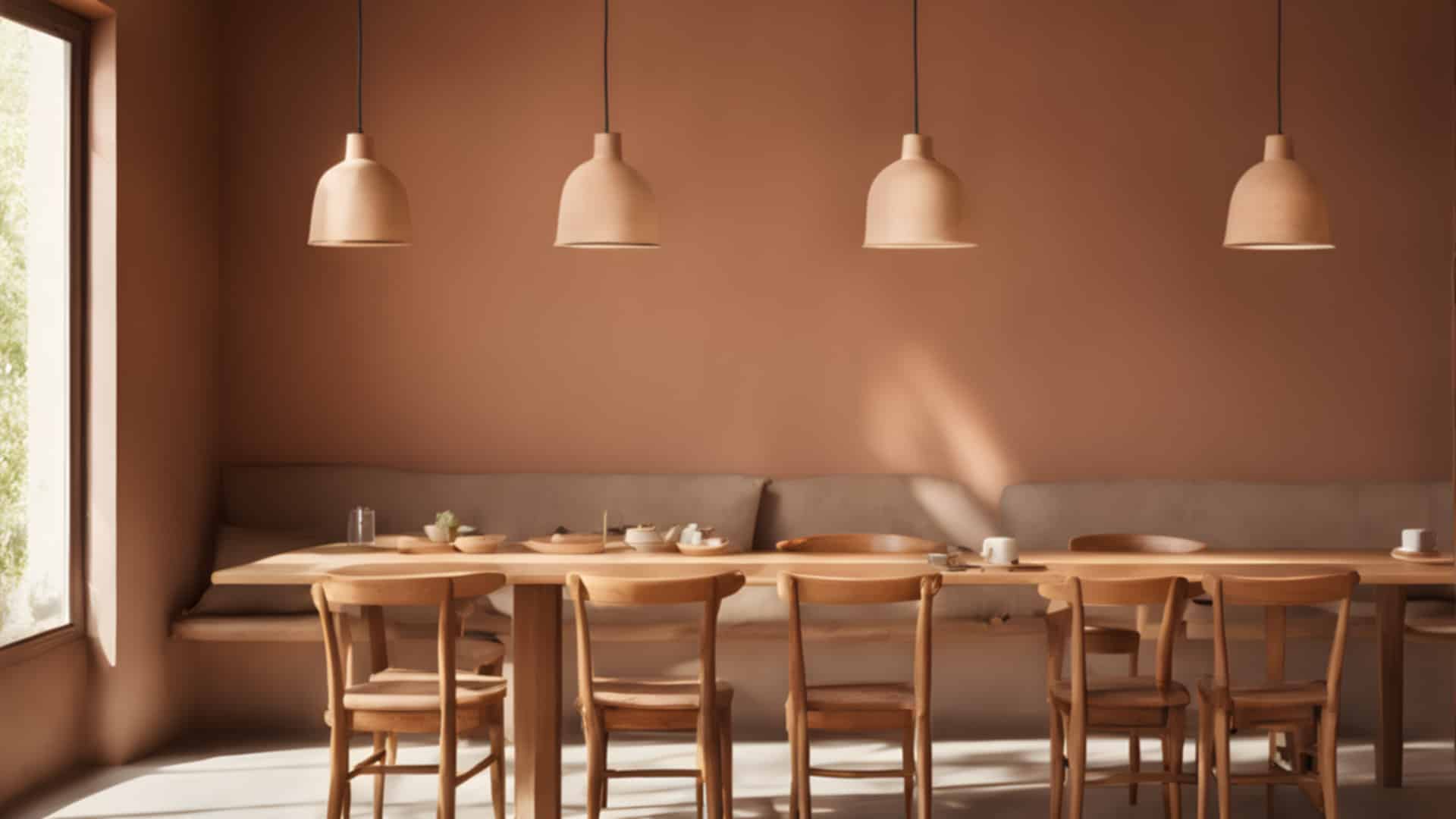
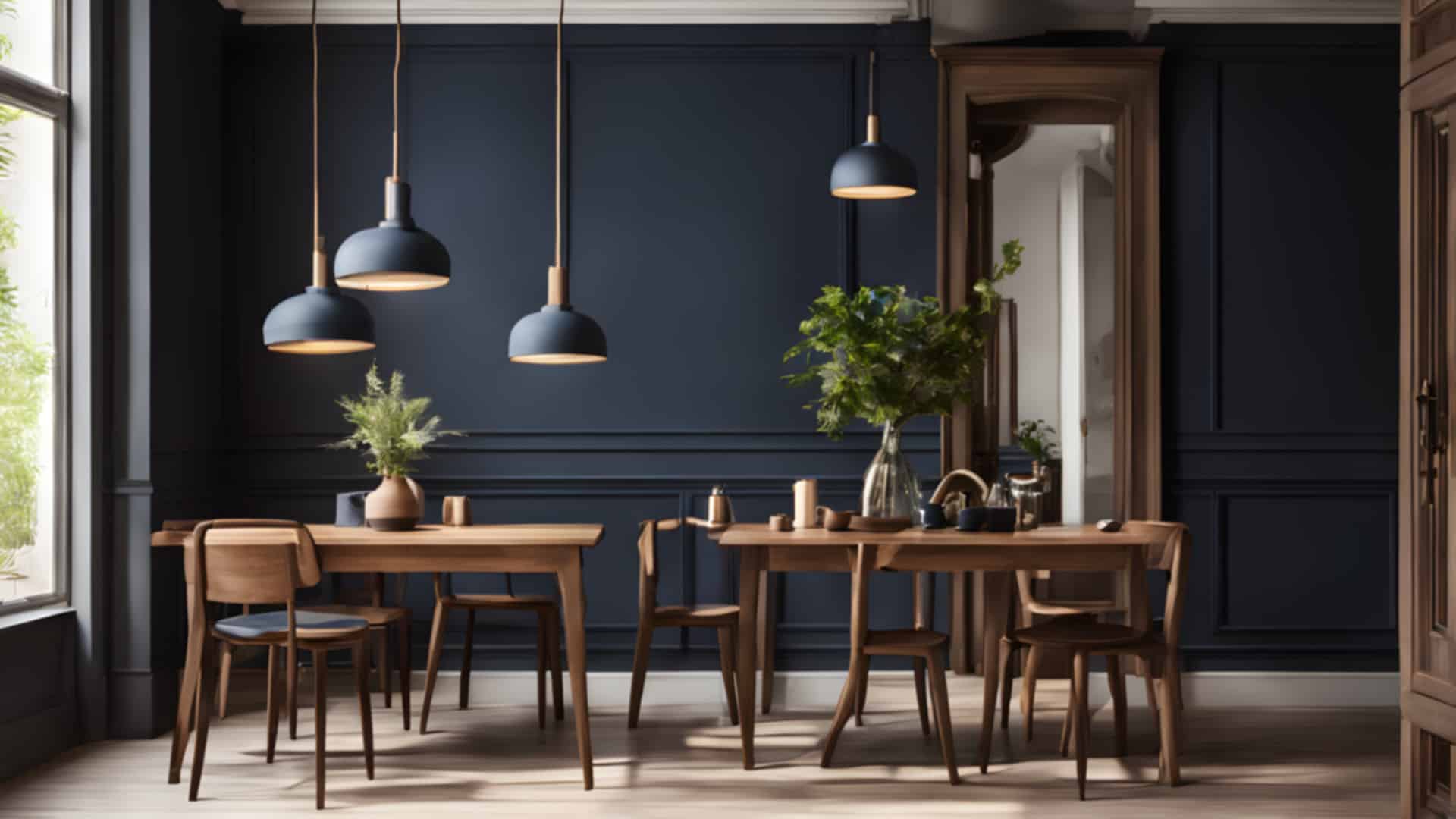
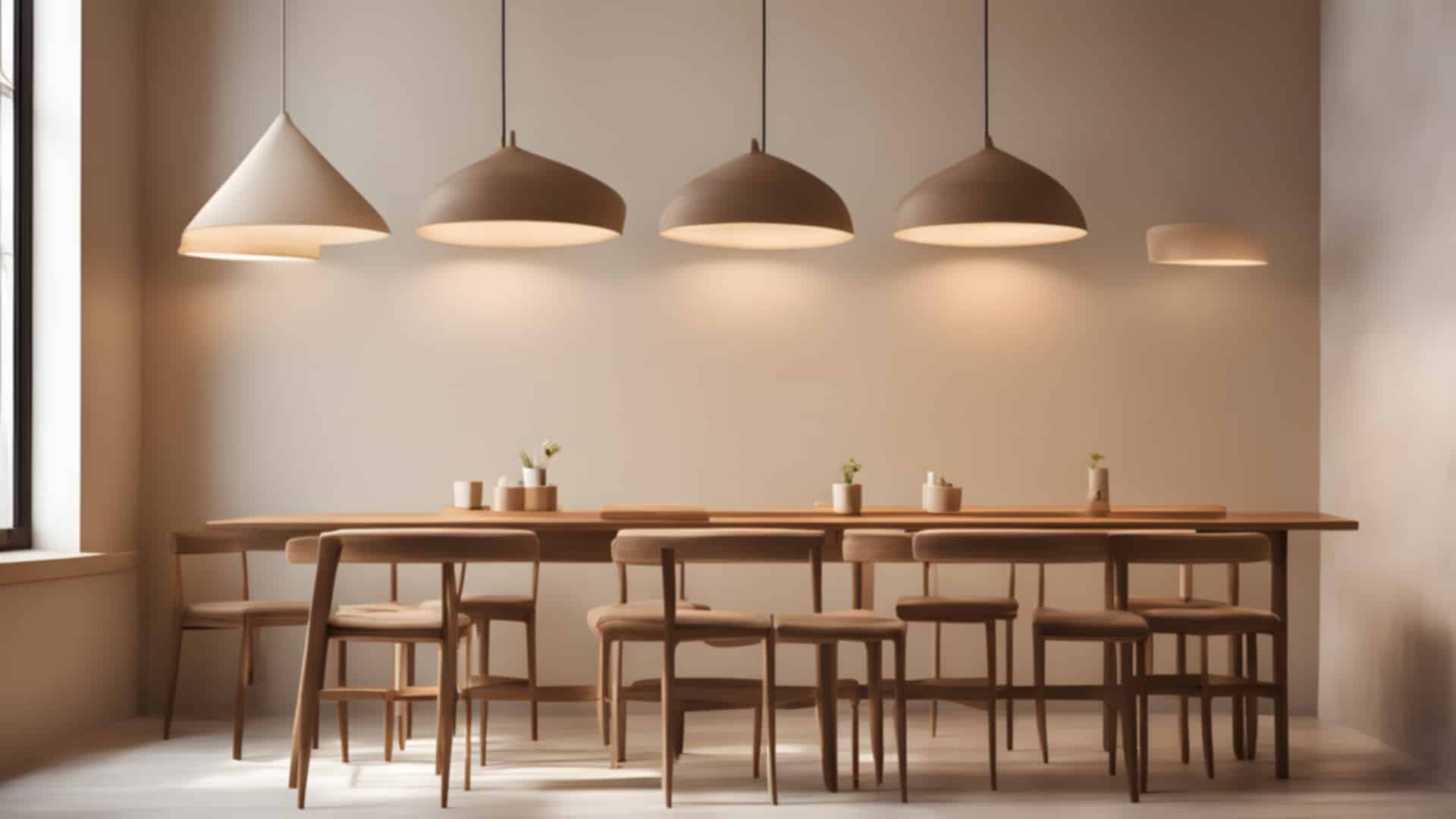
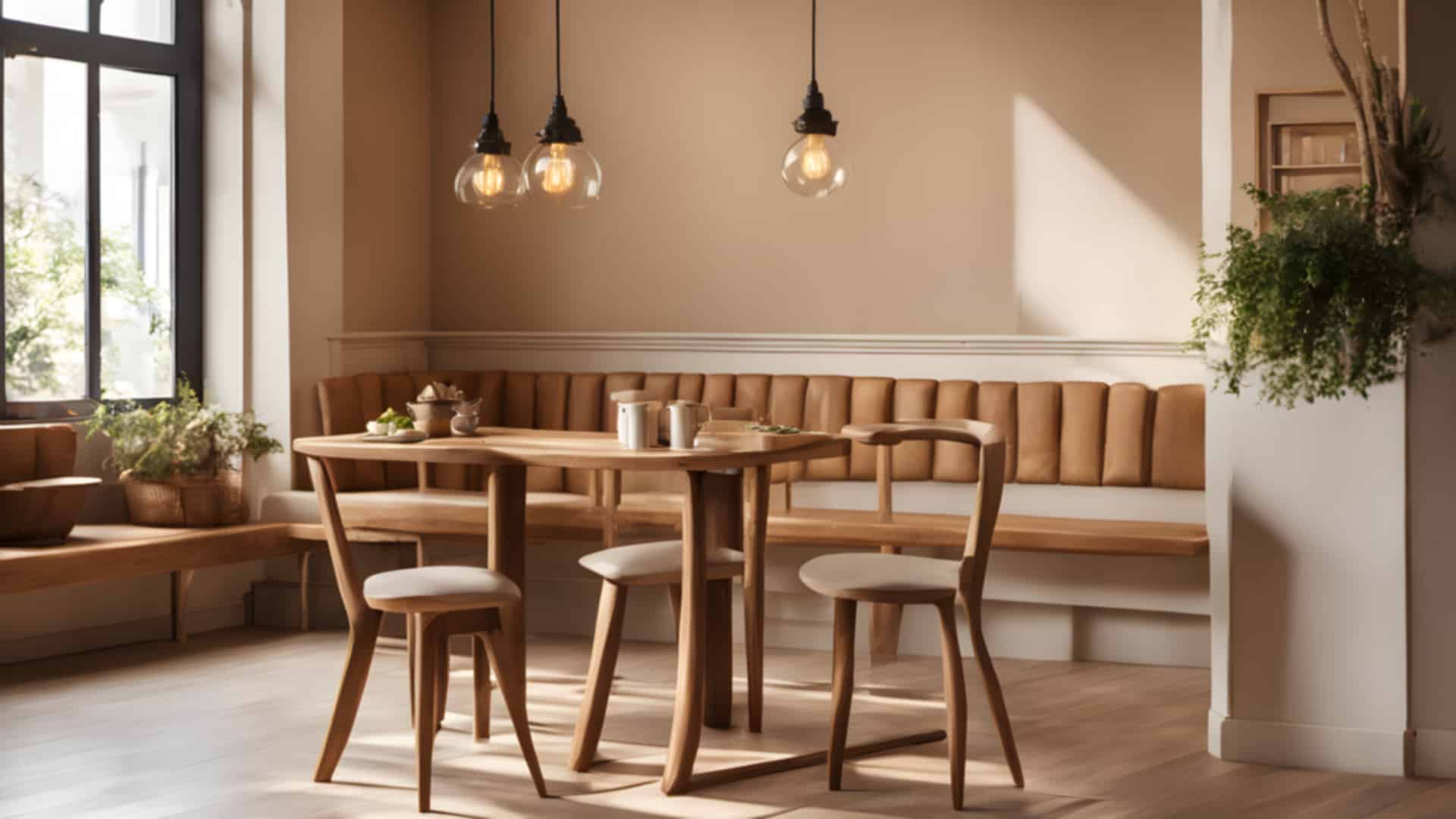
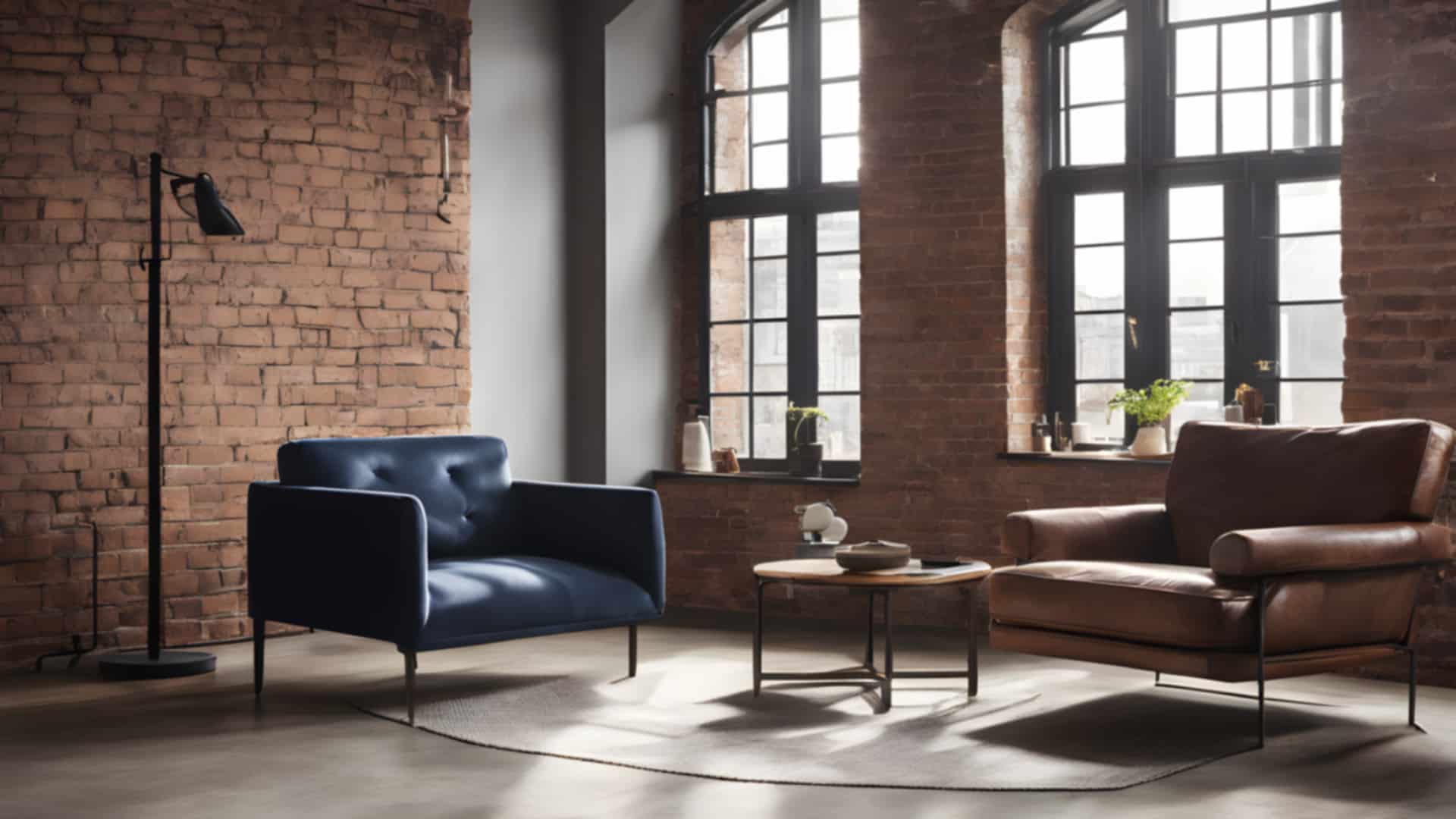
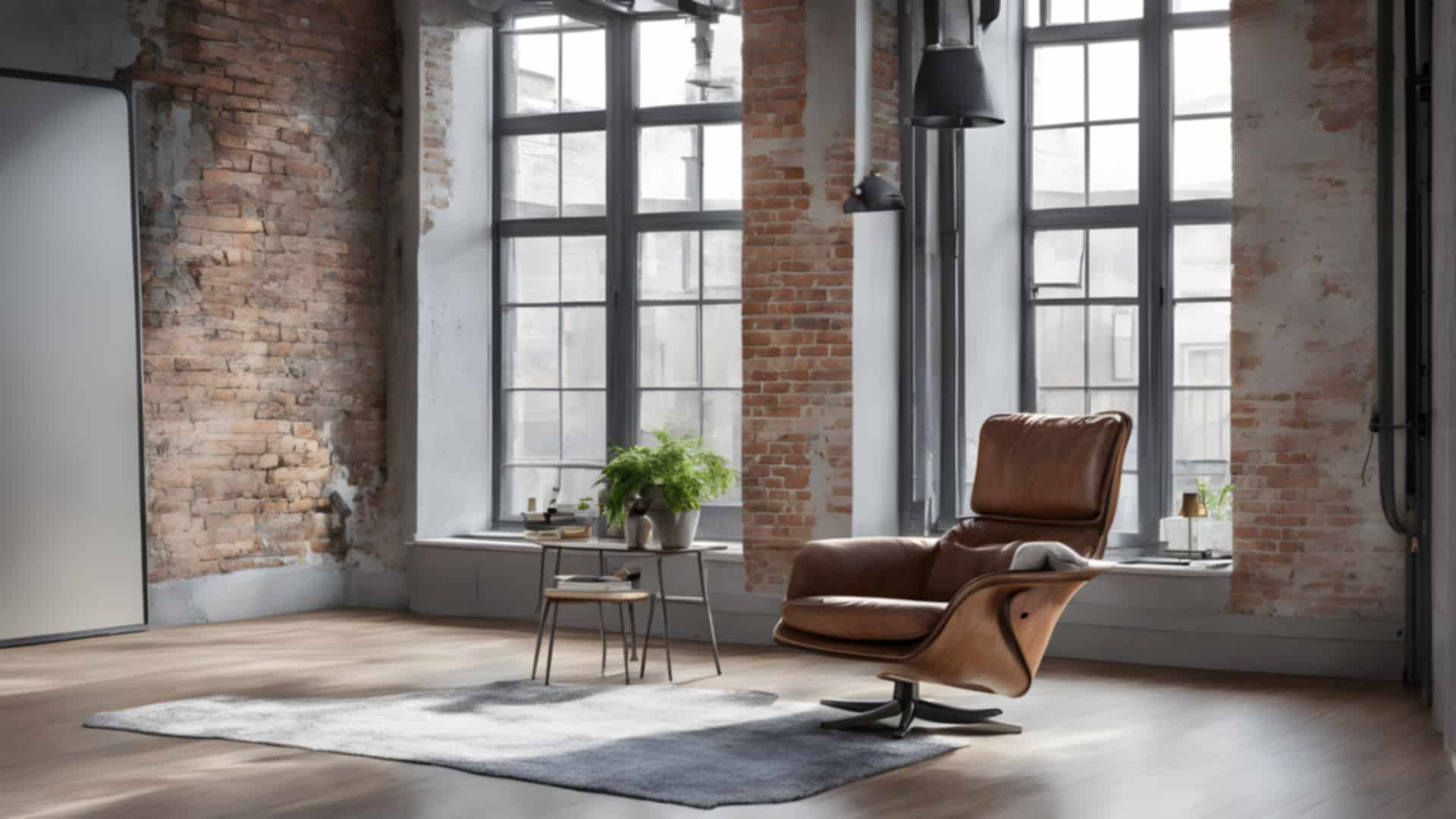
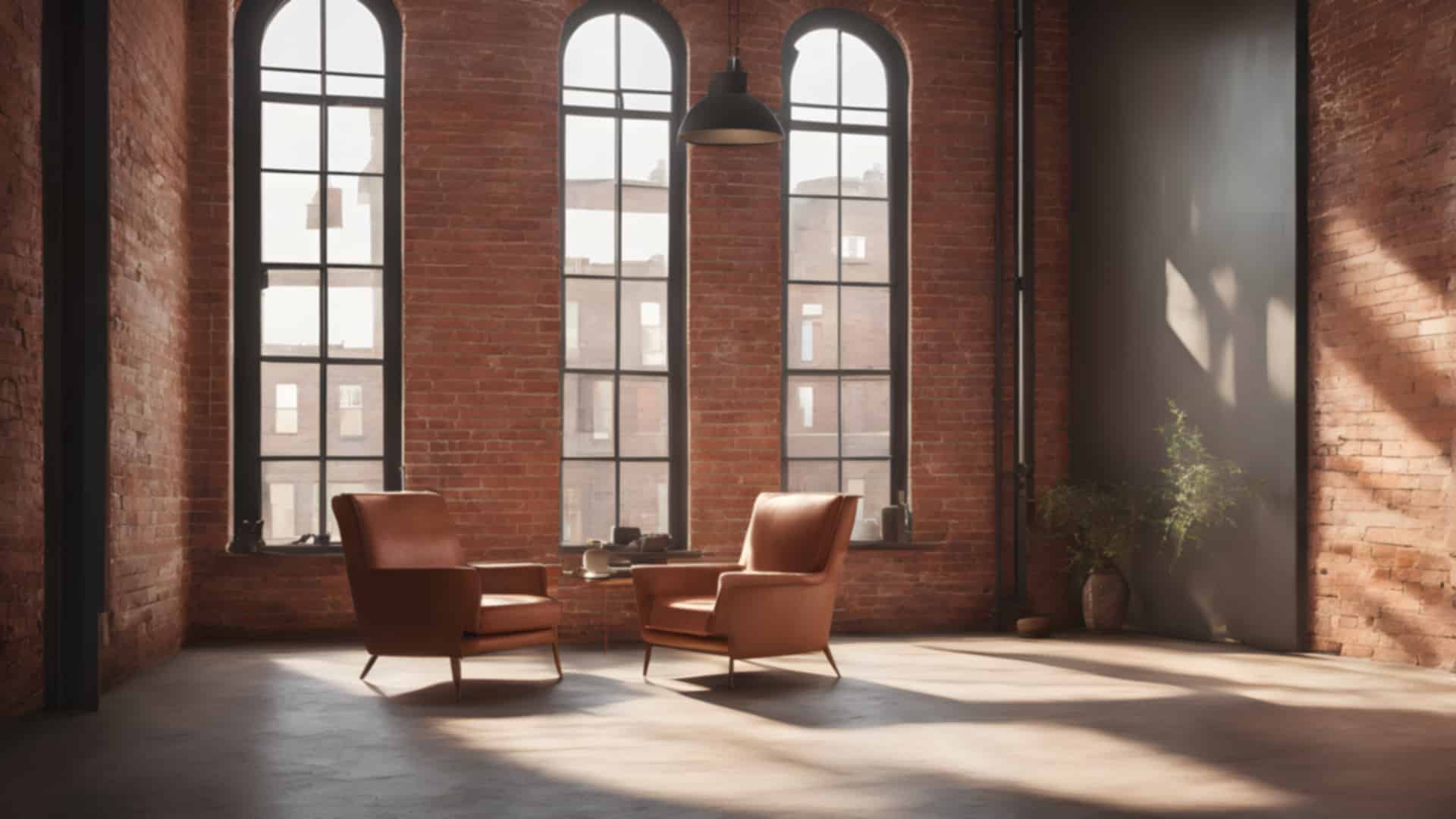
Brick lofts
Exposed brick walls and big factory windows.

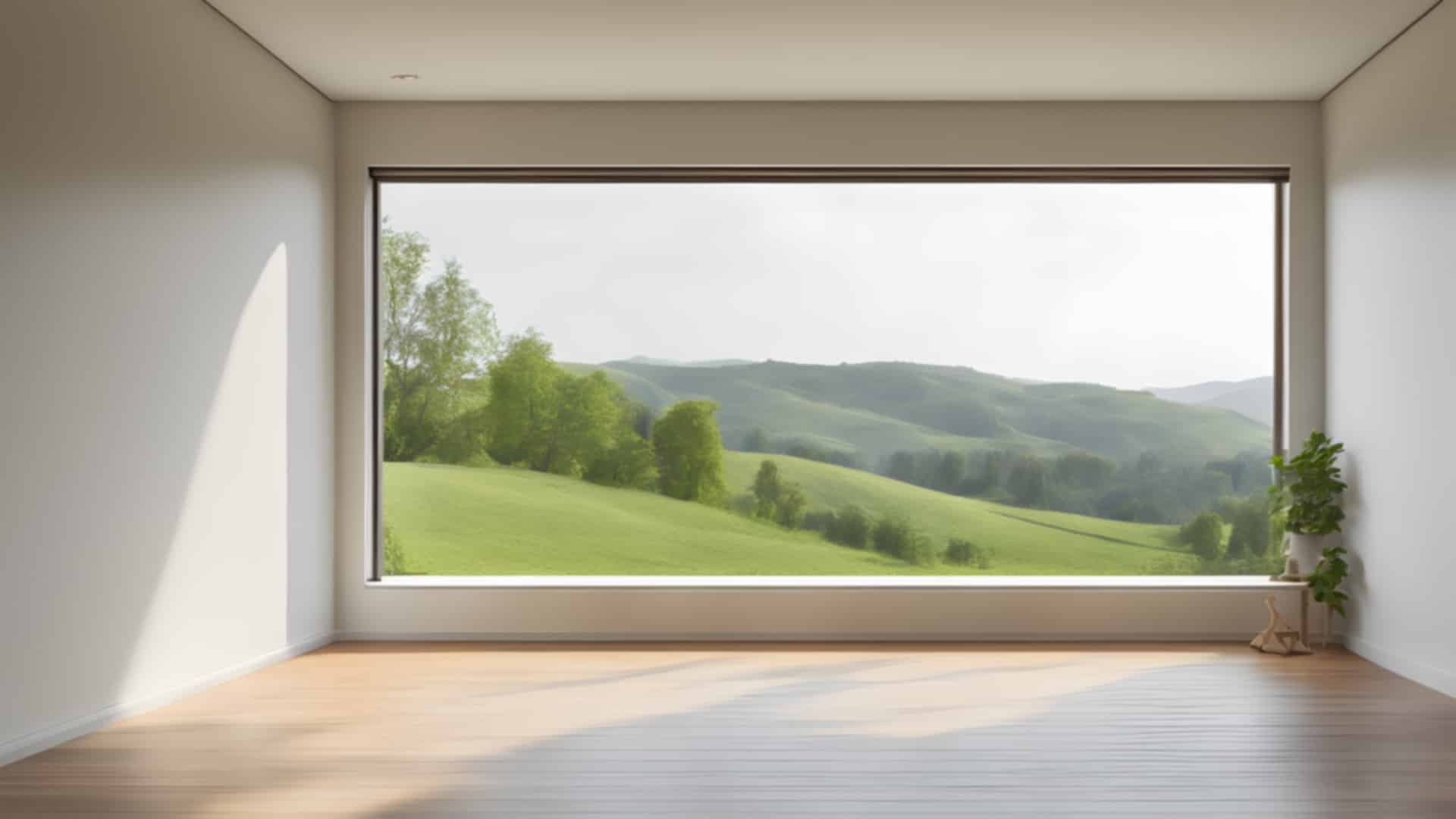
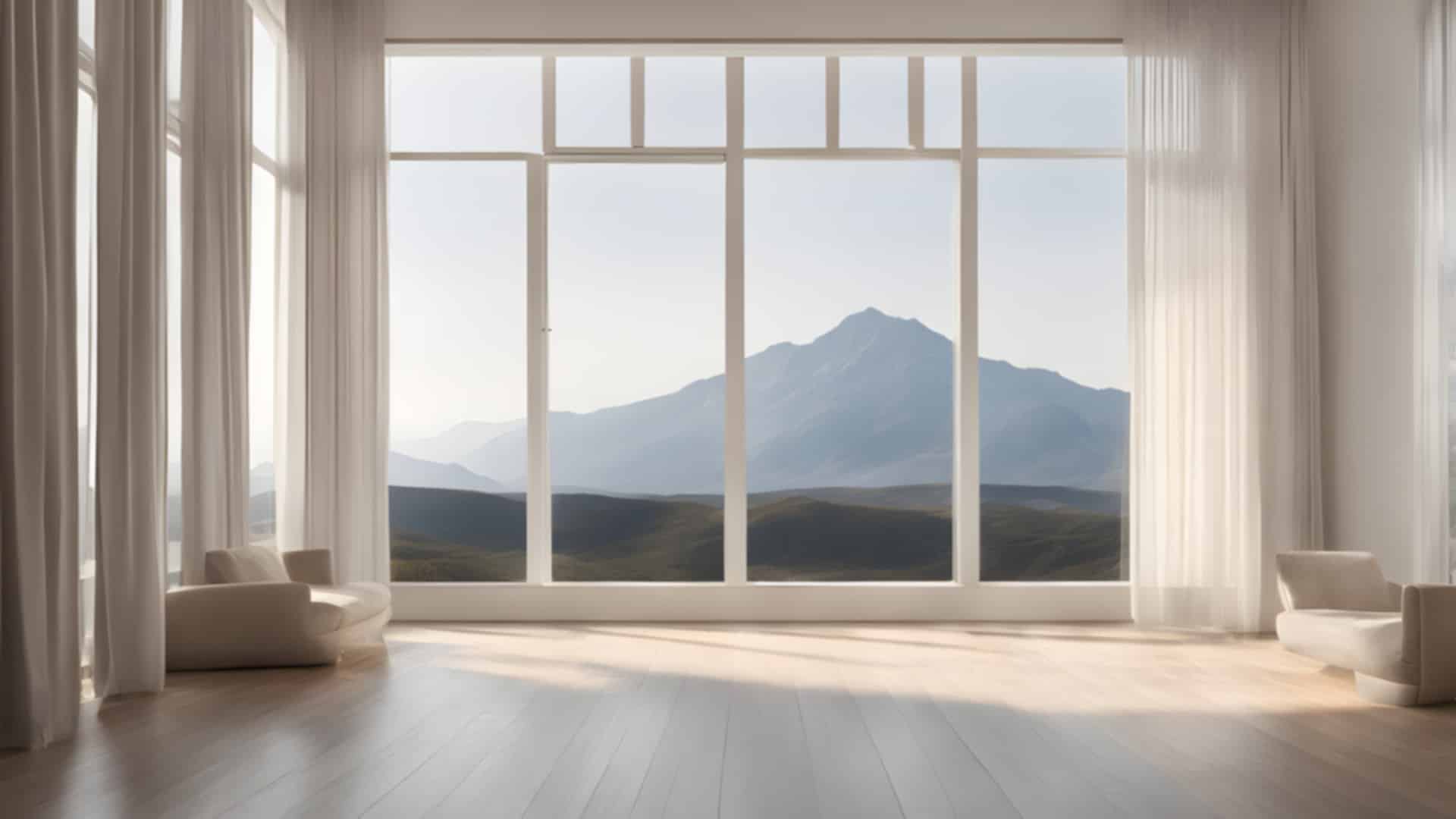
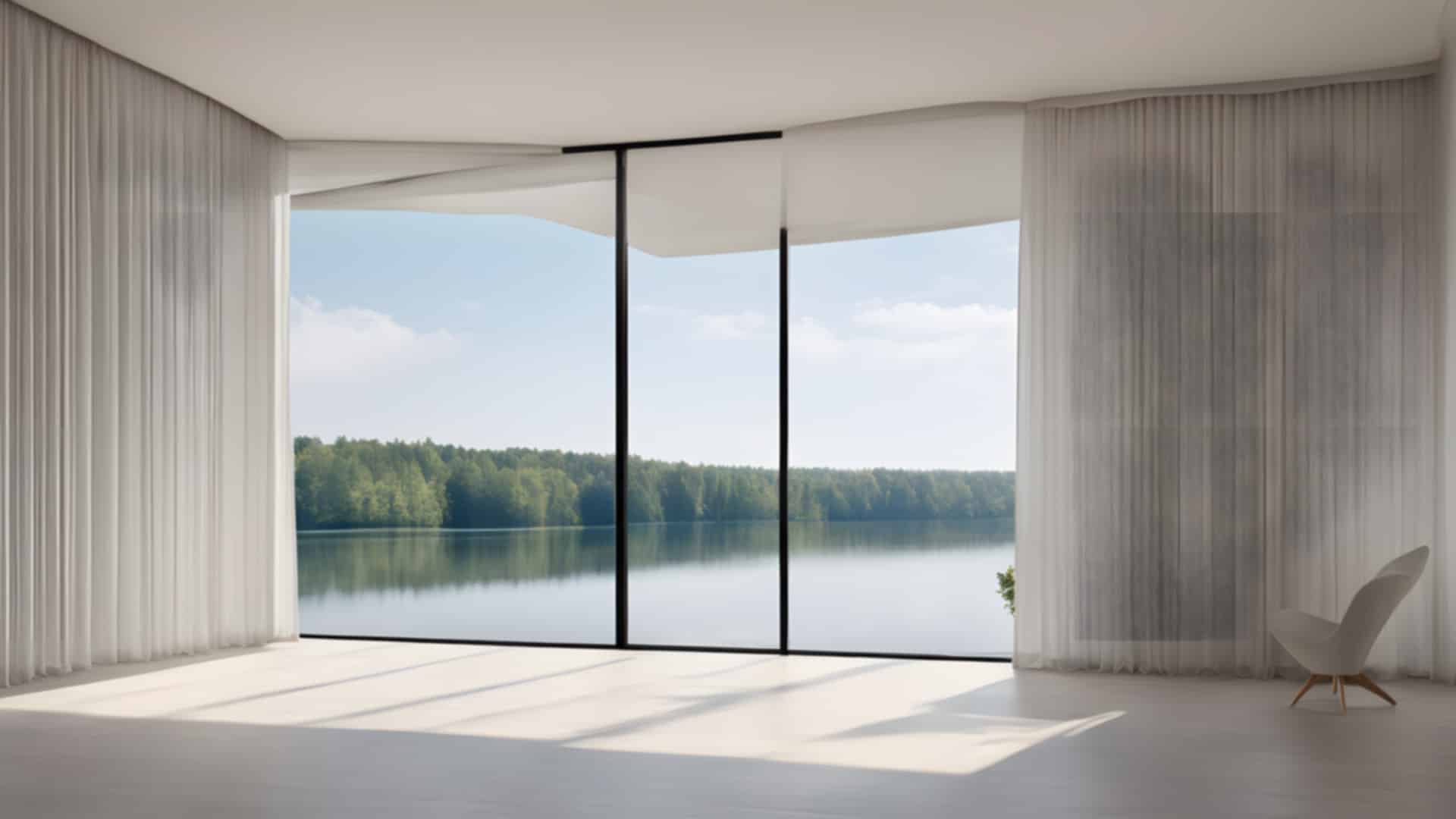
Rooms with a view
Calm, almost empty rooms with one big window onto the landscape.

More free photos
- Free minimalist wallpapers
- Free brick wall backgrounds (photos)
- Free Christmas backgrounds
- Free garden pictures (photos)
- Travel-themed Zoom backgrounds
Questions about these virtual backgrounds
Can I use these images for free?
Yes, for personal and commercial projects. All we ask is a link back to BigFoto.com; the box at the top of the page has a credit link you can copy.
Are these real photos?
No. These backgrounds were made with AI (Stable Diffusion XL 1.0) for BigFoto, then picked and checked by hand. Every file is marked as AI-generated in its metadata (IPTC digital source type), and the photo viewer labels them too. Our real photos are in the other collections.
Do these work in Zoom, Teams and Google Meet?
Yes. They are ordinary 1920 × 1080 JPEG files, which all three accept as a custom background.
Can I use them at work?
Yes, for meetings, webinars and recorded videos. The rooms are invented by AI, so no real home or office is shown.