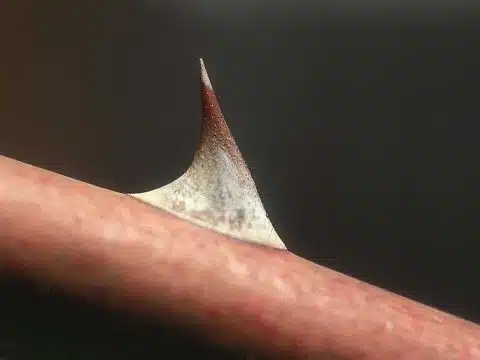
Free Photos, Set 16: 100 Mixed Pictures
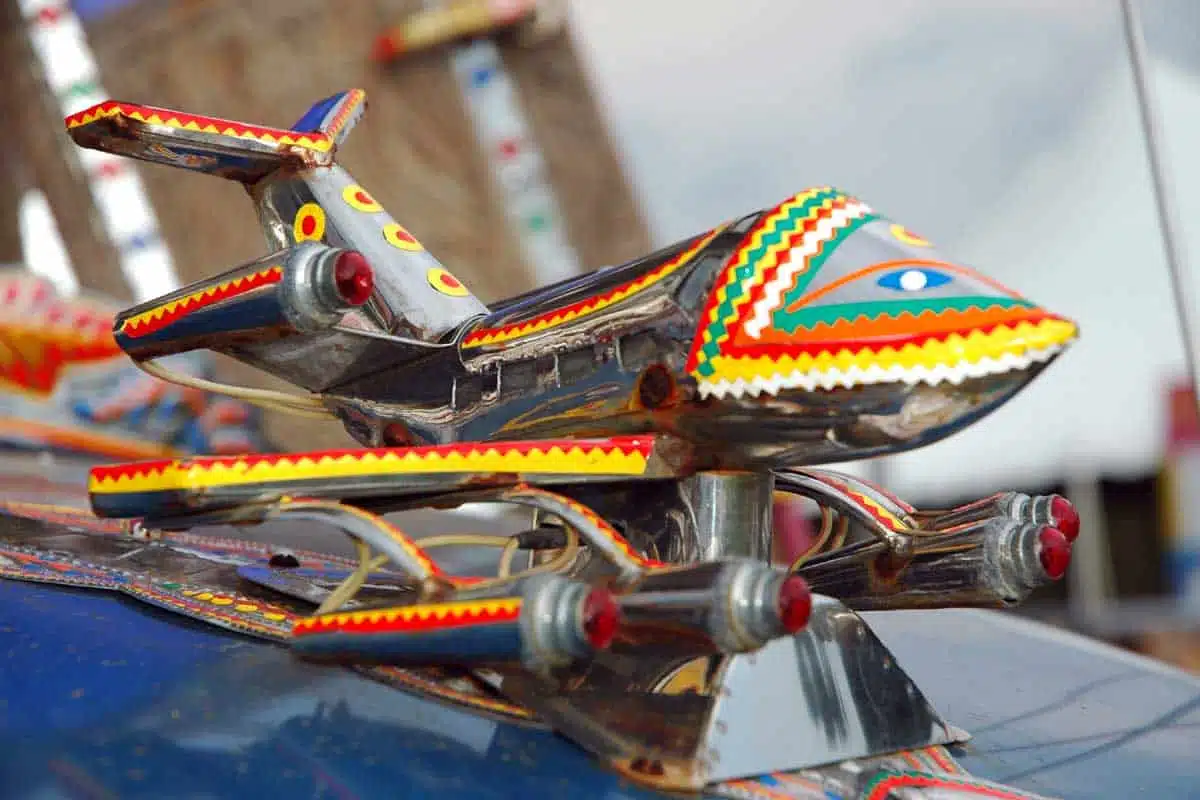
Set 16 of the BigFoto library: 100 free photos of shop and warning signs, lakes, fields and trees, town life with an Easter bunny and a playground ship, candles and sparks, and textures from balls of wool to rope knots, grouped by subject below. Click any photo to see it large and download it.
How to download: click a photo to see it large, then use Download. The originals are about 1200 × 800 pixels: right for blog posts, slides, social media, school projects and video call backgrounds.
Signs
A bread basket, an edelweiss, a coffee cup on a blackboard, a pet shop sign, wear a helmet, no horses and no accordion playing.


Lakes and water
A red canoe on a misty lake, a dog jumping into the water, friends on a jetty, a sailing boat, a life belt and stones in clear water.


Fields, trees and plants
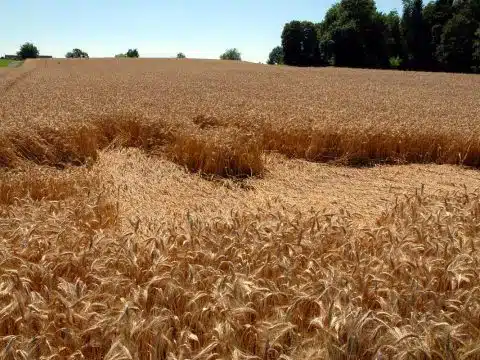
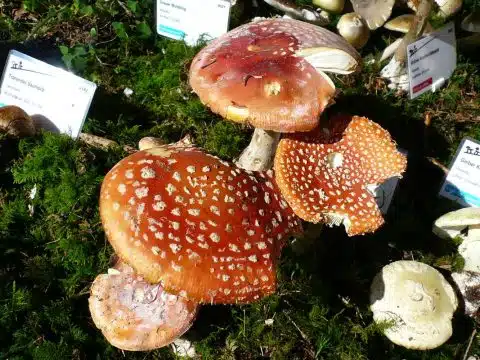
A lone tree on a green hill, two bare trees at sunset, a cornfield, quinces, teasels, mushrooms, autumn leaves and a snowy hedge.


Town and everyday life
A straw Easter bunny, a playground ship, a red sofa on a wall, a light aircraft in a hangar, a sundial, hats on a stand and yellow waste bins.


Candles and fire
An orange candle, a candle in a red holder, flames, a burst of sparks and a light chain at night.


Objects and textures
Balls of wool, rope knots, broom bristles, salt crystals, a soap bubble, a keyhole on yellow, stars and stripes.


About photography
Portraits
For close-up shots, use a lens with a focal length of about 100 mm to keep the face in its normal proportions. It also provides space between you and your model and is therefore less intrusive. Focus on the eyes, because this is where we normally look. Choose a wide aperture to reduce the depth of field and blur any disturbing background elements. Use a tripod and remote shutter release. In this way you can look directly at and talk to your model. This helps to put your model at ease and draw out his or her character.
Experiment
When using negative film and commercial printing, photographs are automatically corrected as far as possible to produce “normal” exposure and colour. However, this does not help if you are experimenting, or want to deliberately under or overexpose. To see true results, use transparency film. This cannot be automatically corrected during processing – you get what you shoot. If you use a digital camera you can check the result immediately and re-shoot until you get the effect you’re looking for.
More free photos
- Free photos, set 15
- Free photos, set 17
- Free lake pictures
- Free forest pictures
- Free fireworks pictures
- Free background pictures
Questions about set 16
Can I use these photos for free?
Yes, for personal and commercial projects. All we ask is a link back to BigFoto.com; the box at the top of the page has a credit link you can copy.
Why is this a mixed set?
These photos were added to the library in batches of about a hundred and did not fit one theme or place. They are grouped by subject on this page; the sets before and after it hold more of the same kind of everyday pictures.