Free Textures: 120 Wood, Stone, Marble and Brick Background Photos
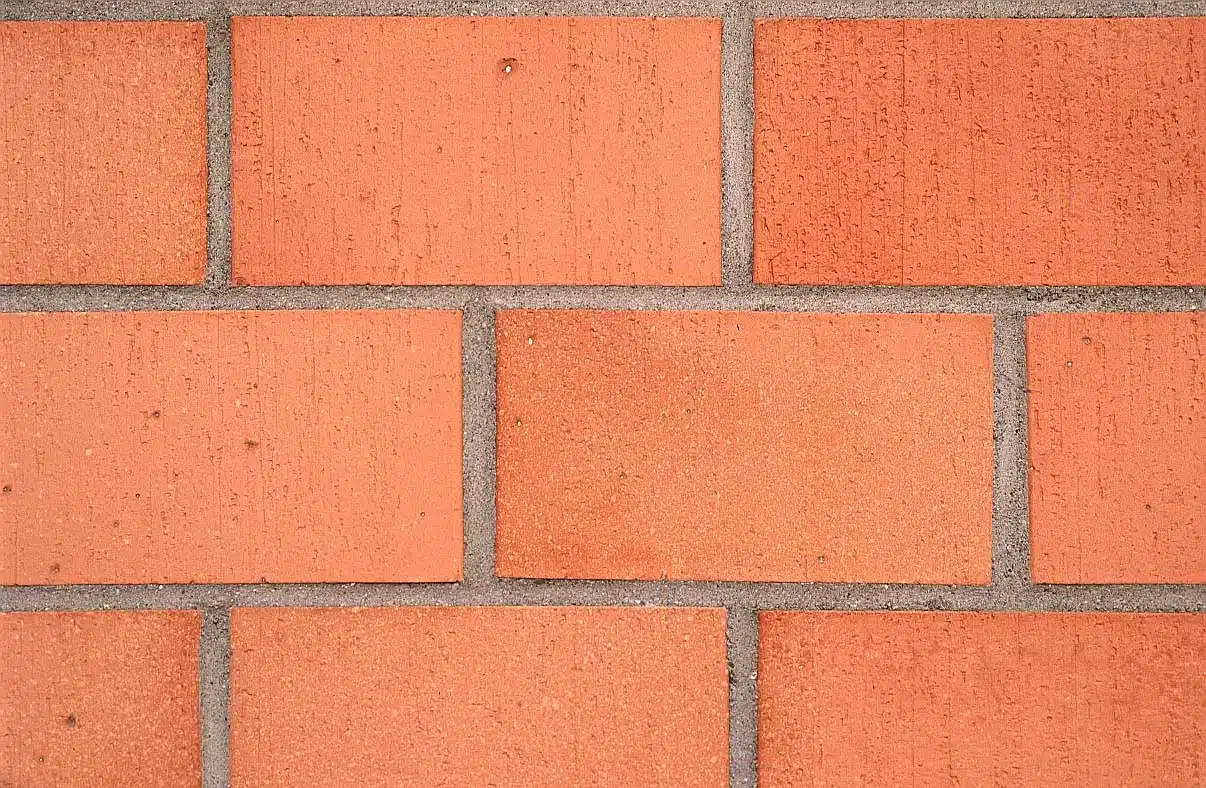
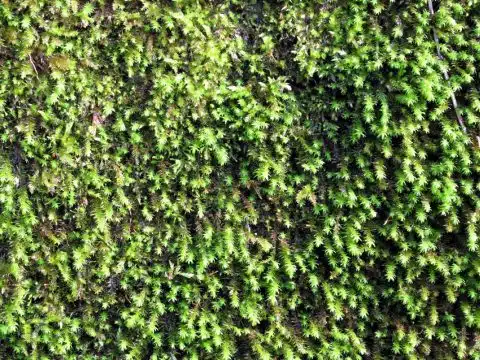
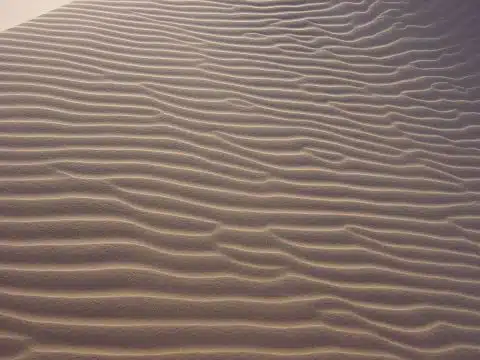
120 free background textures: brick walls, stone and marble, gravel and pebbles, wood and bark, tiles, paving and roofs, plaster, fabric and metal. Every photo is a flat, even surface, ready to use as a background on a website, in a design or behind text on a slide.
How to download: click a photo to see it large, then use Download. The originals are about 1200 × 800 pixels: right for blog posts, slides, social media, school projects and video call backgrounds.
Brick and stone walls
Red and yellow brick, dry stone walls, cut stone and old masonry.


Rock, marble, gravel and pebbles
Granite, marble, terrazzo, gravel, pebbles and rough rock.


Wood, bark and leaves
Planks and parquet, tree bark, logs, bamboo and dry leaves.


Tiles, paving and roofs
Roof tiles, paving stones, mosaics and wall tiles.


Plaster, fabric, metal and more
Rendered walls, carpet and fabric, corrugated metal, grilles and other surfaces.


Getting the background right in your own photos
This is a difficult topic for the average photographer to get right: at its best a background can give the subject of the picture context and greater meaning, but at its worst it can overwhelm the subject in the foreground and distract from the intended message of the image.
We all know the feeling when you review your photograph and find, to your horror, a lamp post apparently growing out of your model’s head! The way to counteract this unwanted event is to consciously check the background in relation to the foreground, every time you are about to press the shutter.
If possible, reduce details in the background that make it too “busy” and which would draw the eye away and so distract from the main subject. At one end of the scale you can reduce the ‘depth of field’ and deliberately throw the background out of focus so that the subject is sharp and the background almost disappears. In this way you can make the subject really stand out. In landscape photography, however, the foreground, mid-ground and distance are all essential, so try to layer the image, keeping all parts of the image in focus: in this kind of photography the background could be as, or even more, important than the foreground.
On a web page, a background, also called ‘wallpaper’, can be a pattern, texture, or a normal picture, in fact anything that is used as a background, to place other images on or in front of it. There are millions of different types and styles of backgrounds to be found on the internet, since every website uses them in some form, even if just plain. Backgrounds are also used in presentations, for example using the Power Point programme, where the transparency of the background can be faded so as not to detract from the presentation content. In both cases it is important to make the wallpaper give a visual message in keeping with the tone of the whole web site. As with background music in a film, if the background to the image is too dominating, it can distract the viewer and reduce their enjoyment of the webpage.
More free photos
- Free beach pictures (sand textures)
- Free winter pictures (snow textures)
- Free sky backgrounds
- Free architecture pictures
- Free ice textures
- AI marble backgrounds
- AI watercolor backgrounds
- AI abstract backgrounds
- AI minimalist wallpapers
- AI technology backgrounds
- AI phone wallpapers
- Free leaf backgrounds
- Free black backgrounds
- Free blue backgrounds
- Free red backgrounds
- Free orange backgrounds
- Free pattern backgrounds
- Free colorful backgrounds
- Free metal and rust textures
- Free glass textures
- Free concrete textures
- Free yellow backgrounds
- Free green backgrounds
- Free brown backgrounds
Questions about these photos
Can I use these background textures for free?
Yes, for personal and commercial projects. All we ask is a link back to BigFoto.com; the box at the top of the page has a credit link you can copy.
Do the textures tile seamlessly?
No, they are photos, not seamless tiles. For a repeating background, crop an even area and blend the edges in an image editor.